
Effective Peer-To-Peer are vital for maintaining the security and integrity of shared resources within a network. By following the principles and best practices outlined in this documentation, you can establish a robust access control system that ensures users can access the appropriate resources while safeguarding against unauthorized access and data breaches.
Peer-to-peer Permissions are a crucial aspect of access control within a system. They determine what one user can access from another user's resources, whether it's forms, data, or any other shared content. These permissions are defined to ensure the security, privacy, and integrity of the data and resources within a Peer-To-Peer Access. This documentation aims to clarify the permissions required to access specific resources and outlines the principles and best practices for effective access control.
Permission Types
|
Permission |
Details |
|---|---|
|
General |
If the user requires access to send Emails within the Peer to Peer module, they will need the permission Account Emails enabled. This will allow the user to see the list of available Senders and/or Reply to address in the account. 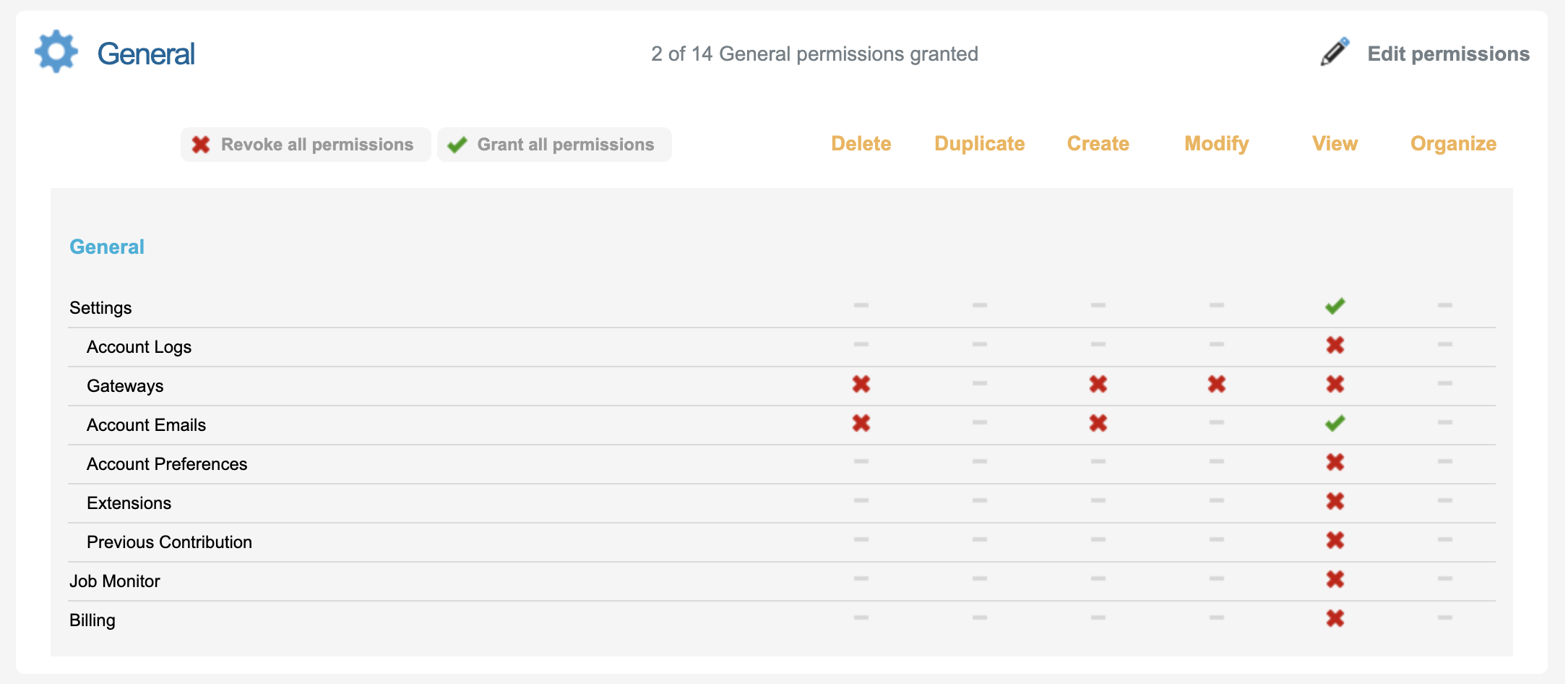
|
|
Page |
Depending on the level of access you want to give a user, and the type of Peer to Peer setup you are building, you may consider enabling the following permissions for the user: Managing Pages - to access pages that might be associated with the P2P site
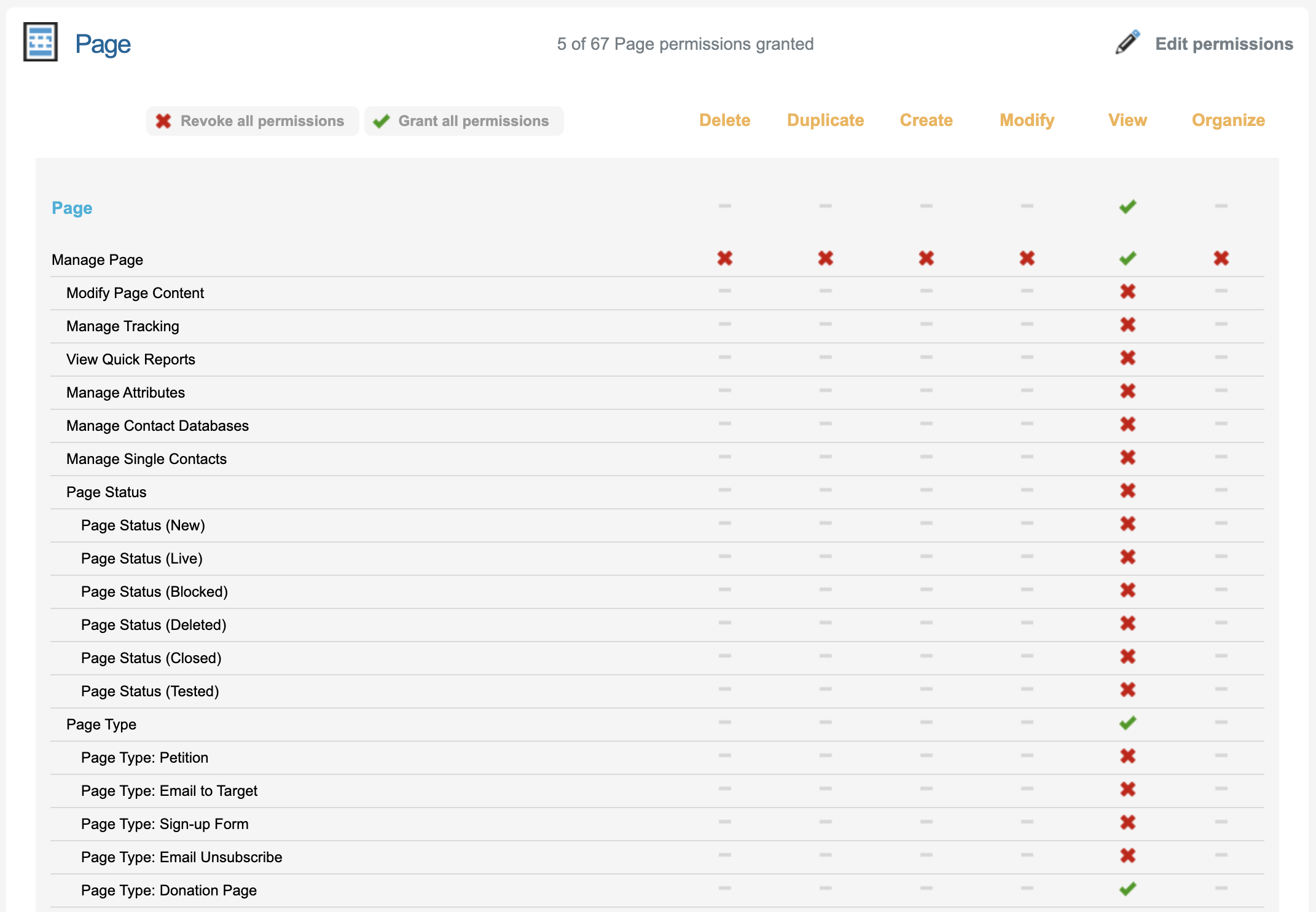
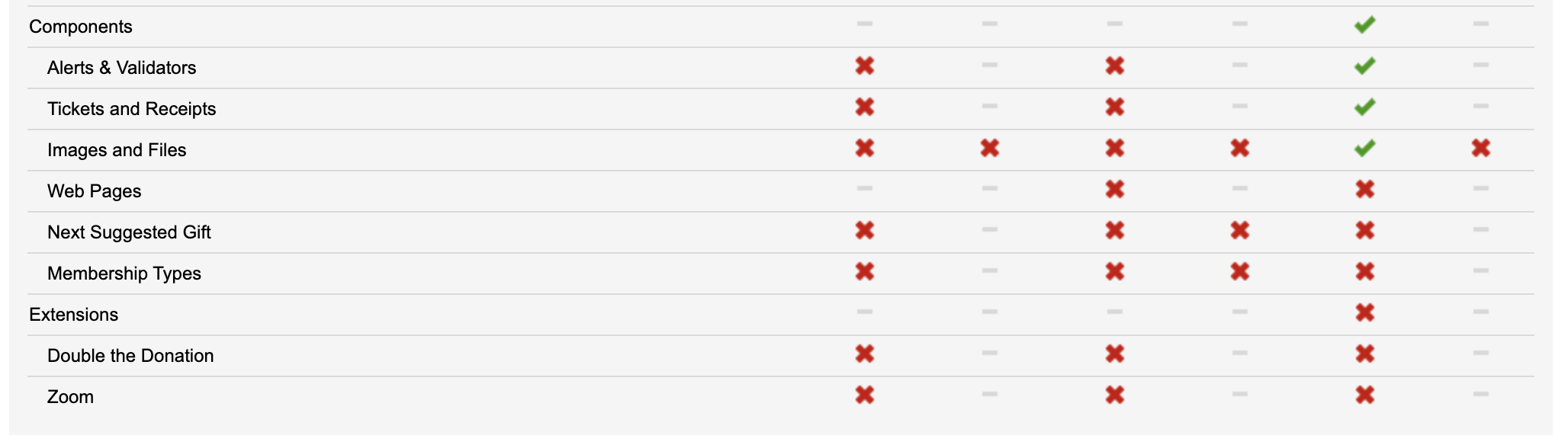
|
|
Email & Messaging |
To send Emails within Peer to Peer Users need this permission enabled. 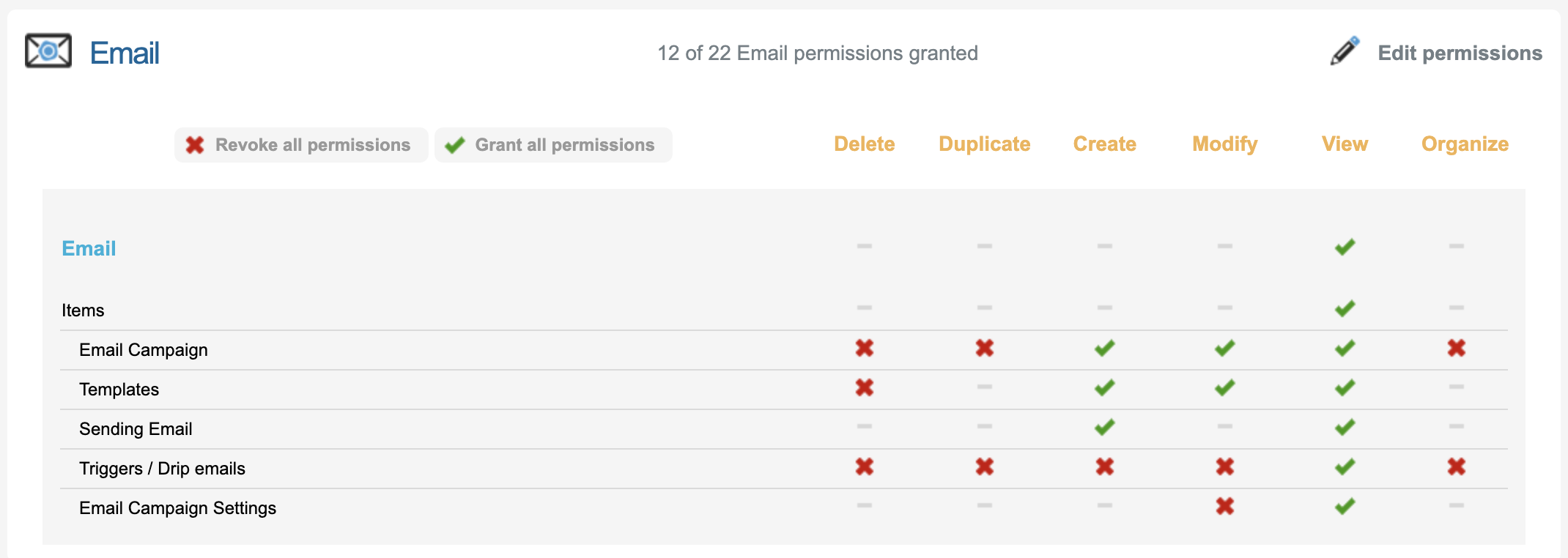
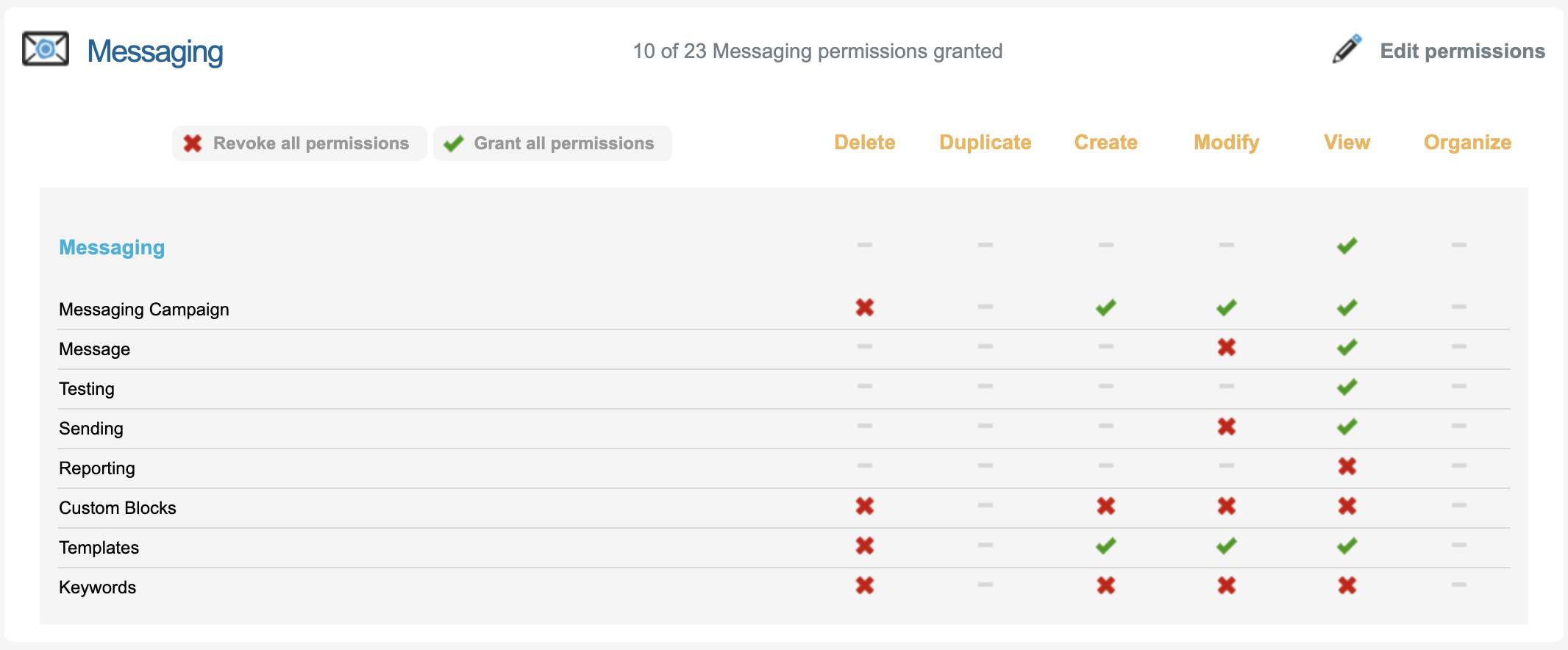
|
|
Data Management |
To handle, view or export different data associated to the Peer to Peer Site Transactions and other data within Users need this permission enabled. 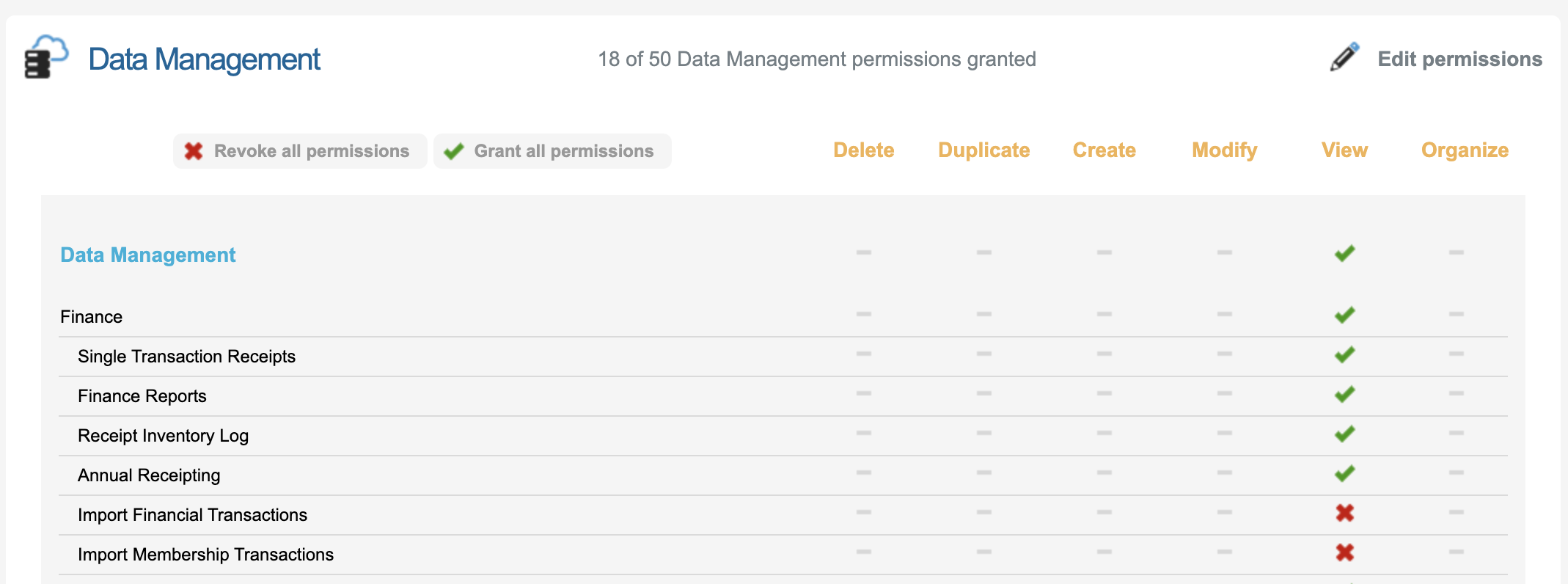
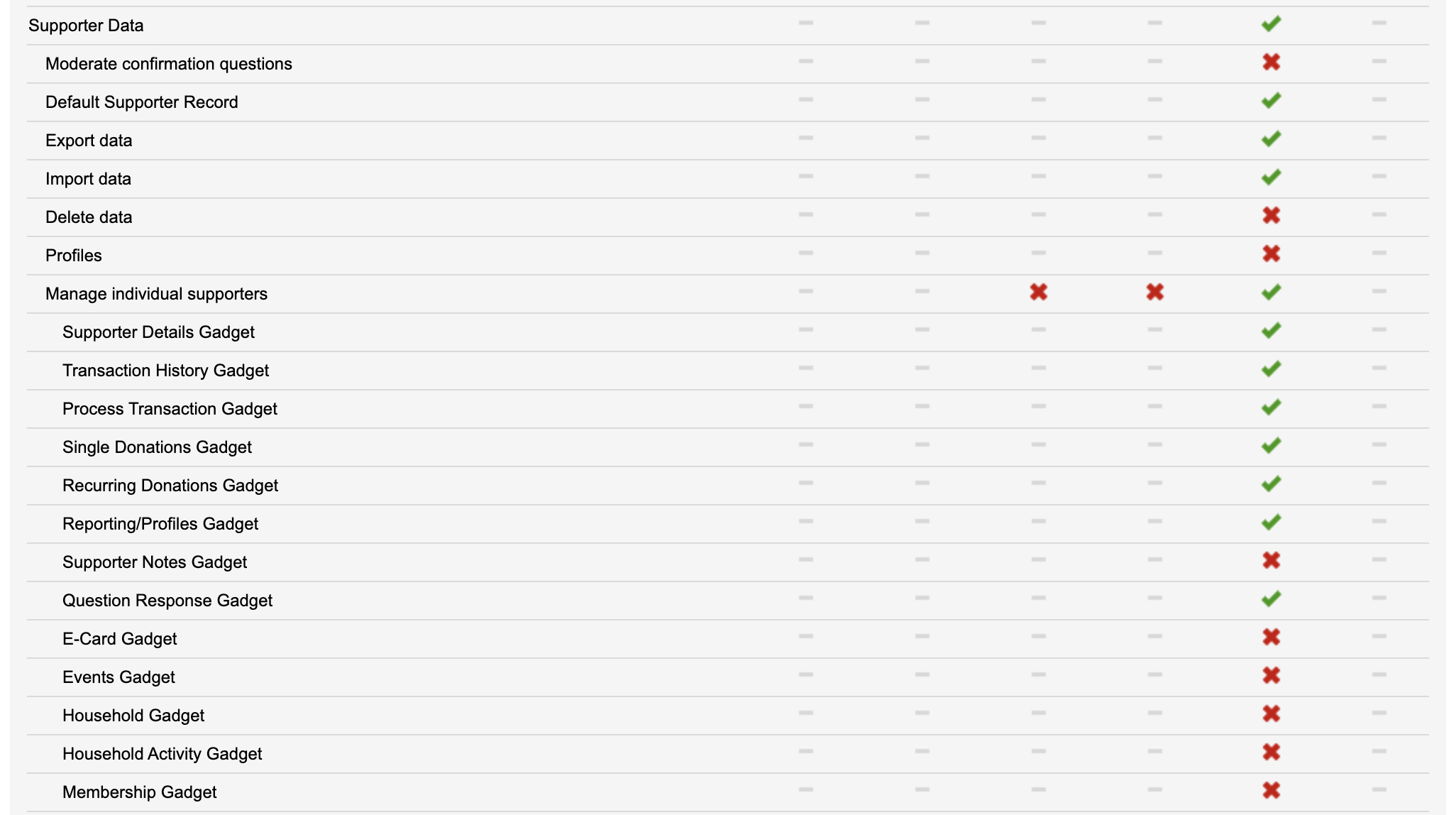
|
|
Reports |
To view or export different reporting data, Users need this permission enabled. 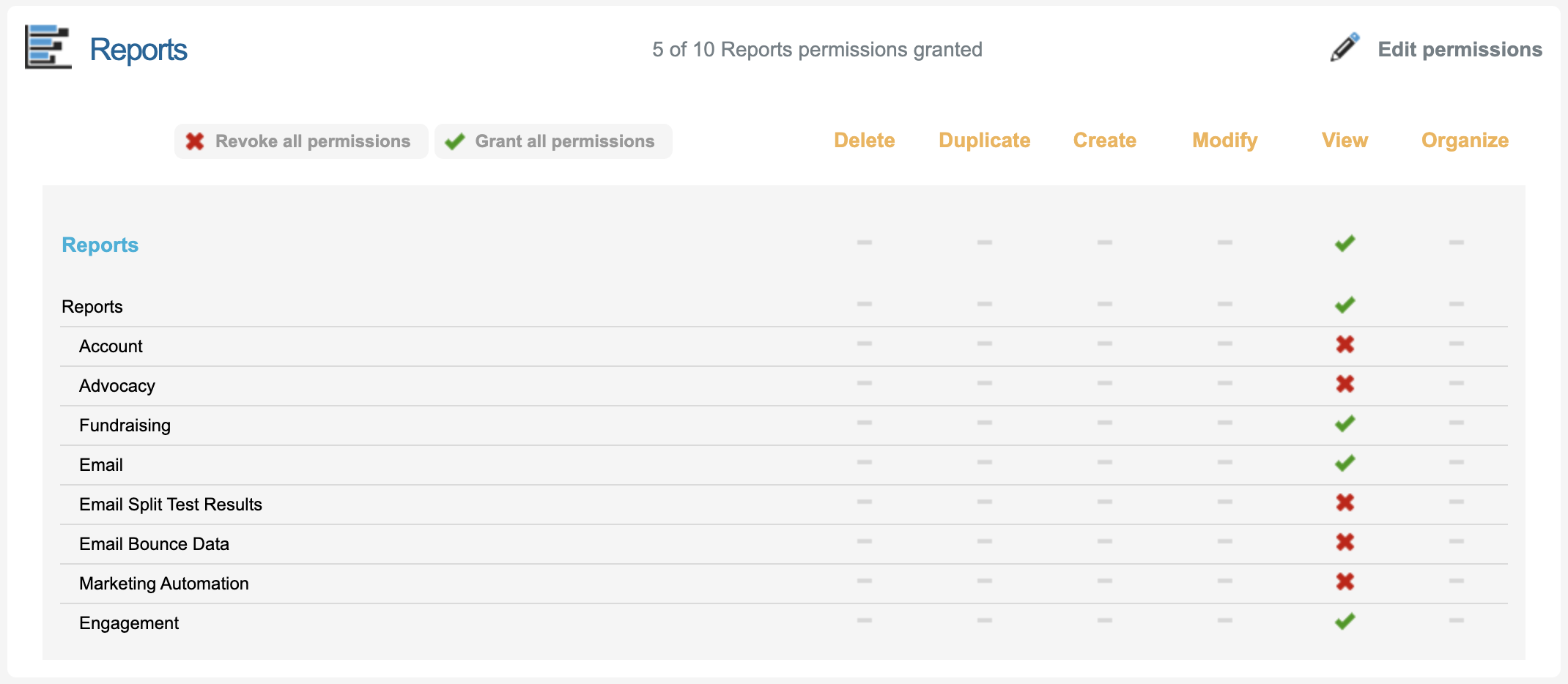
|
|
Peer to Peer |
Review this matrix for more granular permissions for peer to peer: USER PERMISSION MATRIX.xlsx
|
Depending on what type of User Type will be accessing the Peer to Peer Module, permissions needed could vary. Learn more about managing the different User Types.