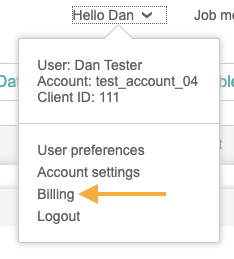
Super Admins and Admins along with Users with the billing permission can see billing information directly from the Engaging Networks interface under Hello > Billing. Billing includes a list of invoice information and an option to download invoices.
Invoices
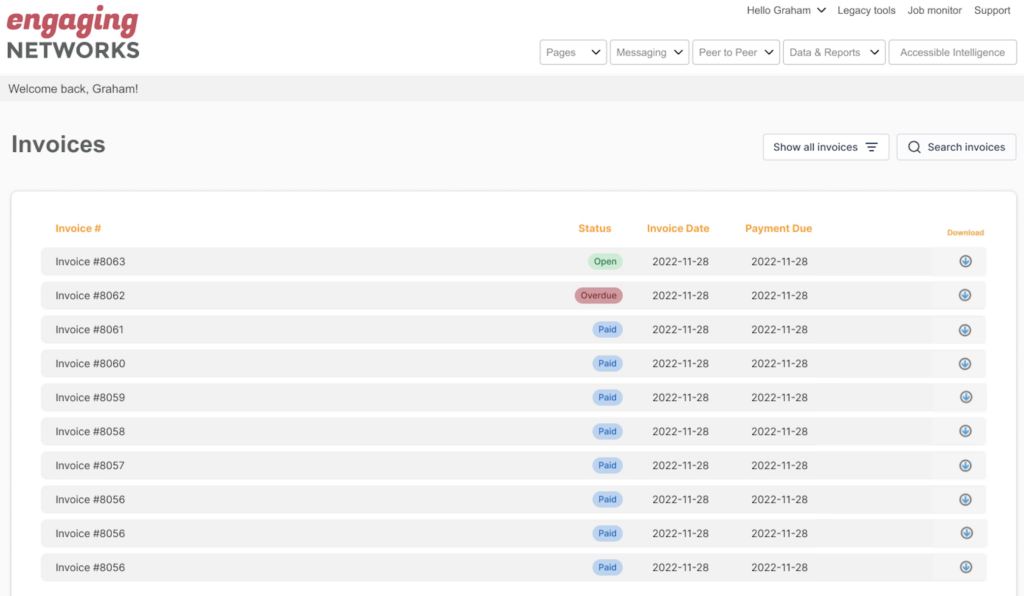
The primary screen billing list invoices displays invoice ID, invoice number, invoice status, invoice date, payment due date and an option to download any invoices. Statuses include paid, overdue, and open.
Banner alert
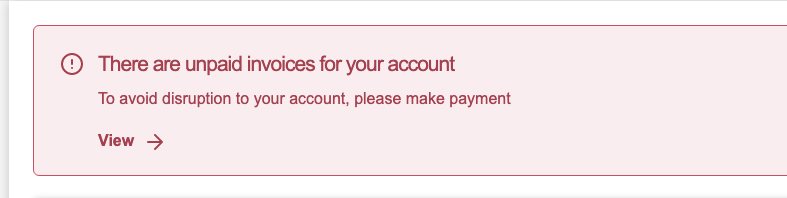
If there are invoices 45 days or more over due in your account, there will be a banner displayed on the main dashboard indicating that and offering a link to the billing area to review. This is visible to Super Admins and Admins as well as Users with billing permissions.
Permissions
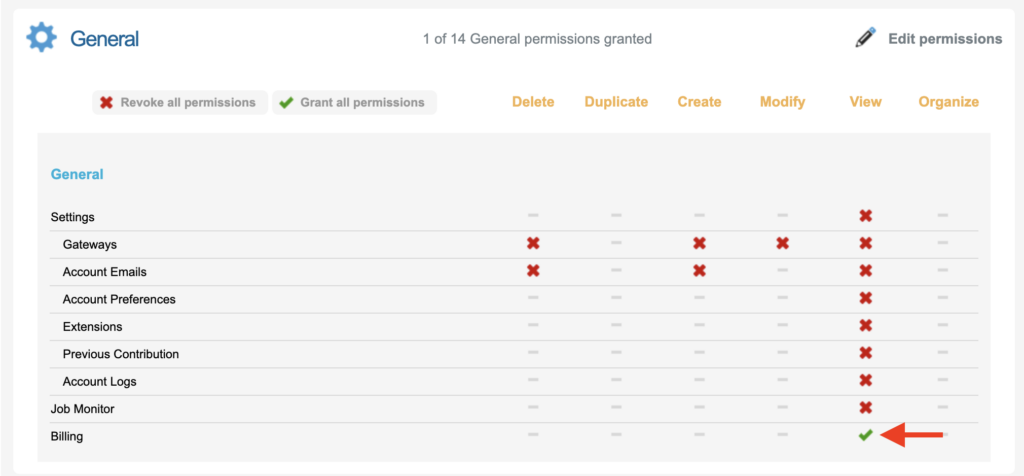
Users will be able to access the billing area and view and download invoices with the General > Billing permission enabled.