
Creating notification emails and SMS
To add or edit a notification recipient, go to:
-
Hello YOURNAME > Account settings > Notification Email >

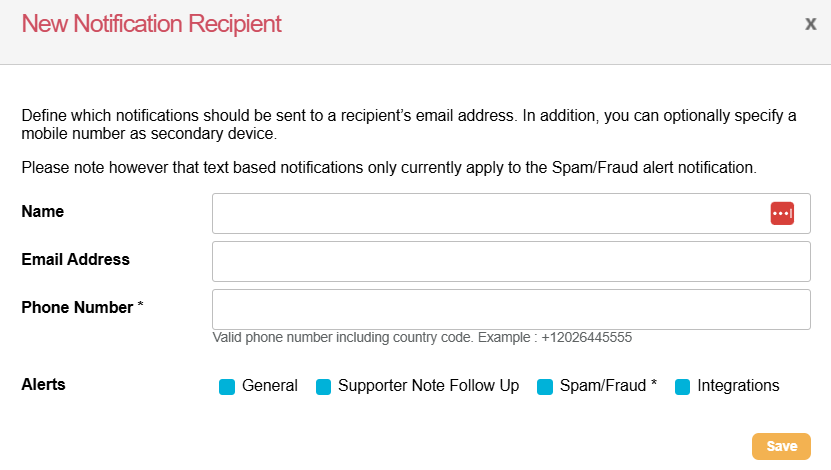
This opens the ‘New Notification Recipient’ dialogue, where you can add and save the recipient's name, email address, and phone number, should you wish them to receive spam/fraud notifications. Phone numbers must be added in E.164 format (eg +12027531854). You will also need to choose which notification types you want that user to receive.
|
General |
Generated upon completion of a broadcast, data import or export job, or bulk API import or export. |
|---|---|
|
Supporter note follow-up |
Sent when notes are created using the supporter notes gadget. |
|
Spam/Fraud |
Notifications are sent when a donation page receives five or more rejected transactions within a 15-minute window from a single IP address, OR 30 or more rejected transactions within two hours. |
|
Integrations |
Notifications relating to data integrations with third-party CRM systems and for our Salesforce integration when Contact sync issues occur. |
Once a user is set up to receive notification emails, they can edit their own notification settings via User Preferences.