
Advocacy set-up tools allow users to customize and manage the targets your supporters interact with for an Advocacy Campaign.
Target Pools
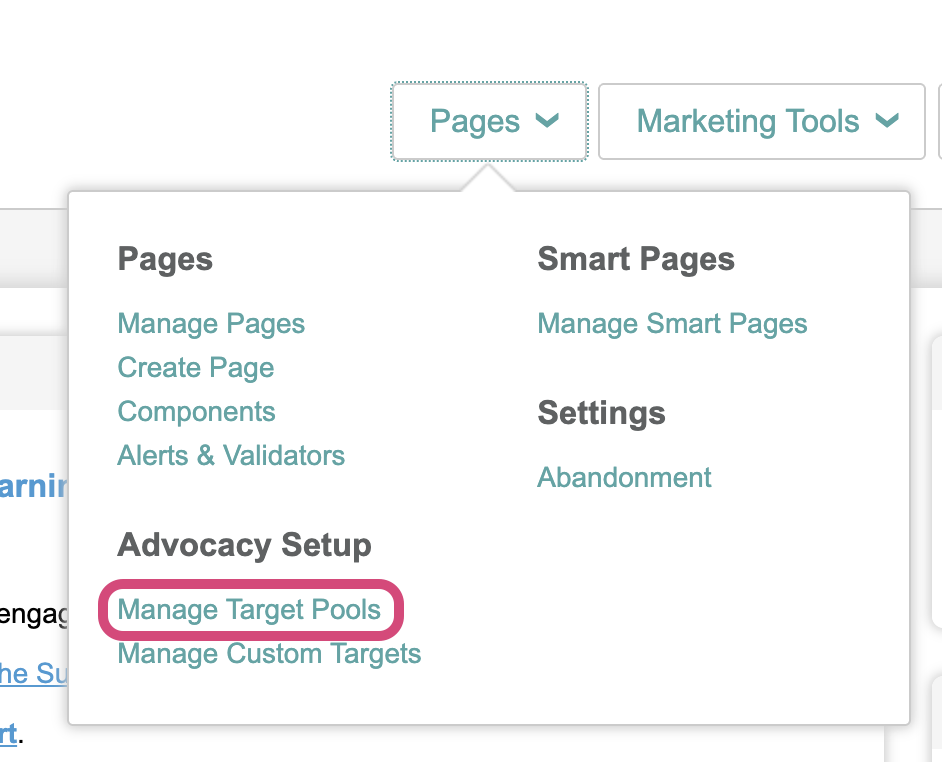
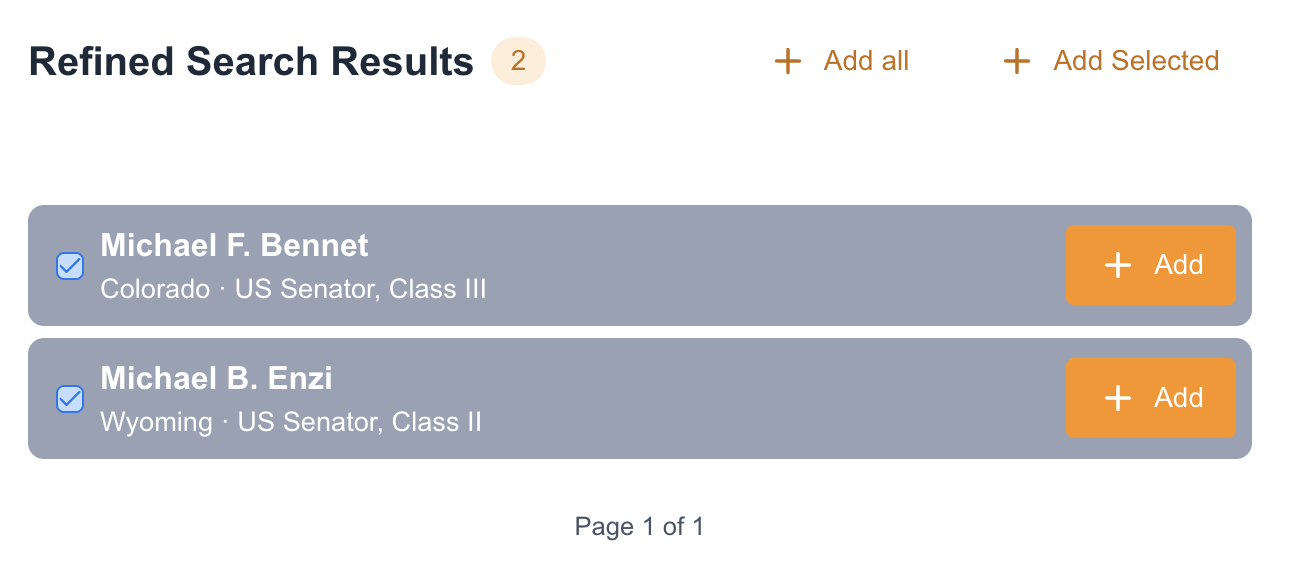
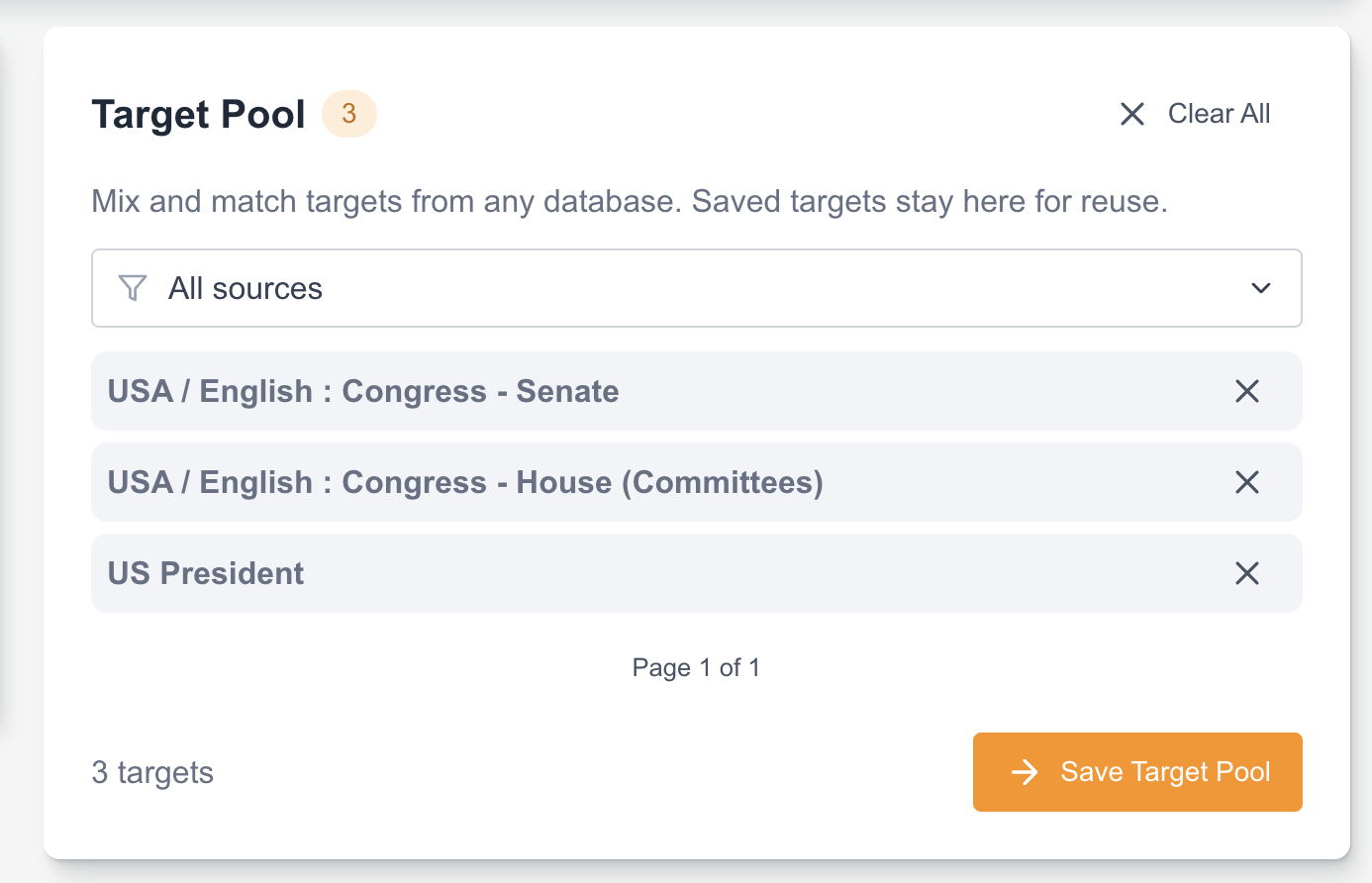
Target Pools provide a streamlined way to curate and reuse target lists across your Advocacy campaigns. Instead of selecting databases for each page, you can build a unified pool of targets that mixes databases and custom targets, then apply it to any Email to Target campaign.
Before you begin
-
Super Admins should ensure Users have the necessary permission under Data Management > Target Data > Target Pool to access the Target Pool feature.
-
Custom targets should be uploaded or created in Manage Custom Targets before adding them to a pool.
Creating a Target Pool
You can create a target pool from the main management page or directly within an advocacy page overlay.
|
|
|

|
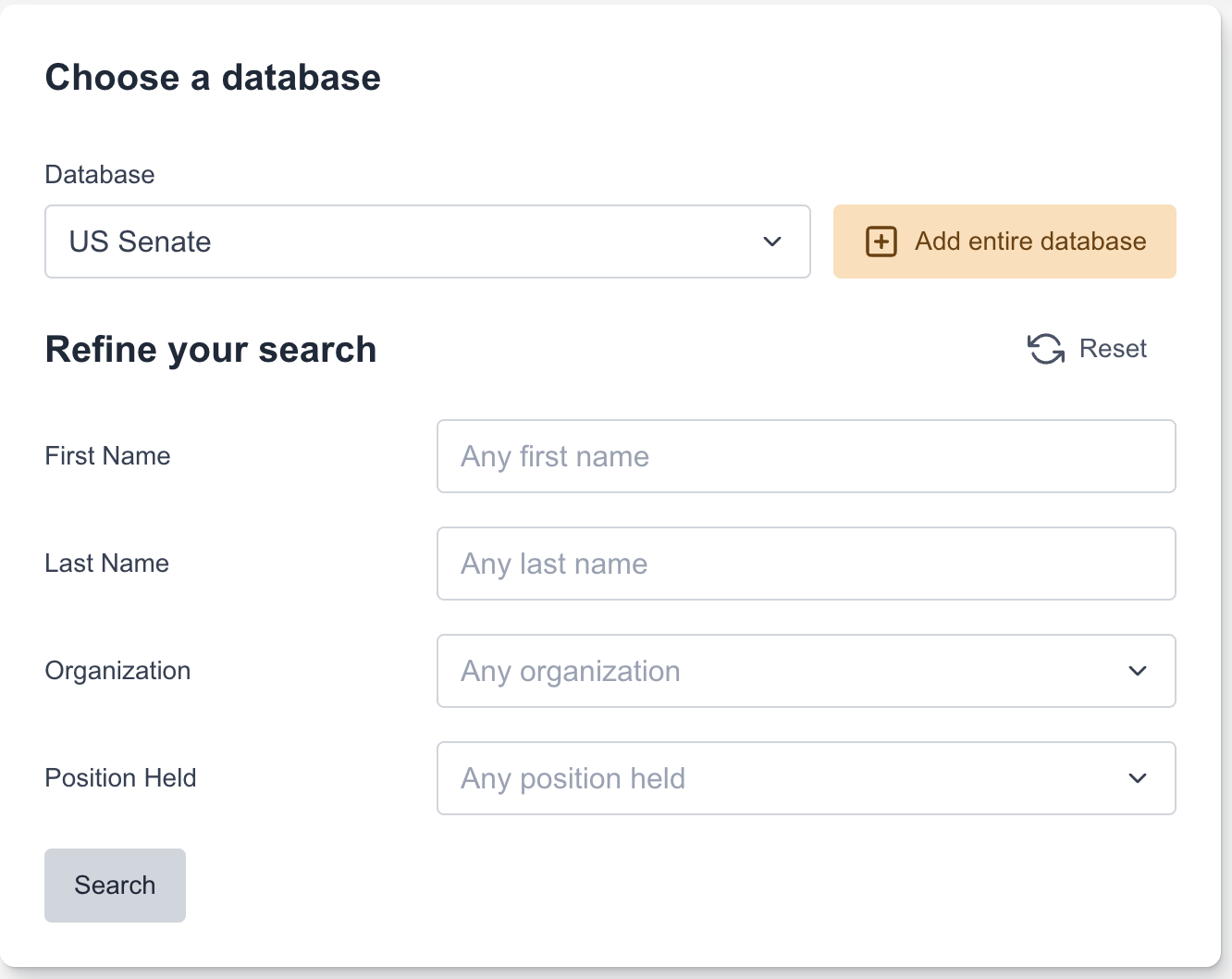
Check the database articles for the expected values for the available filters |
|
|
|
|
|




Managing Target Pools
The Manage Target Pools page lets you organize and maintain your saved pools.
-
Foldering: Use the folder icon to organize pools by campaign or region.
-
Search: Use the search bar to find pools by name.
-
Actions: Use the icons next to a pool to Edit, Duplicate, or Delete it.
Using Target Pools in Campaigns
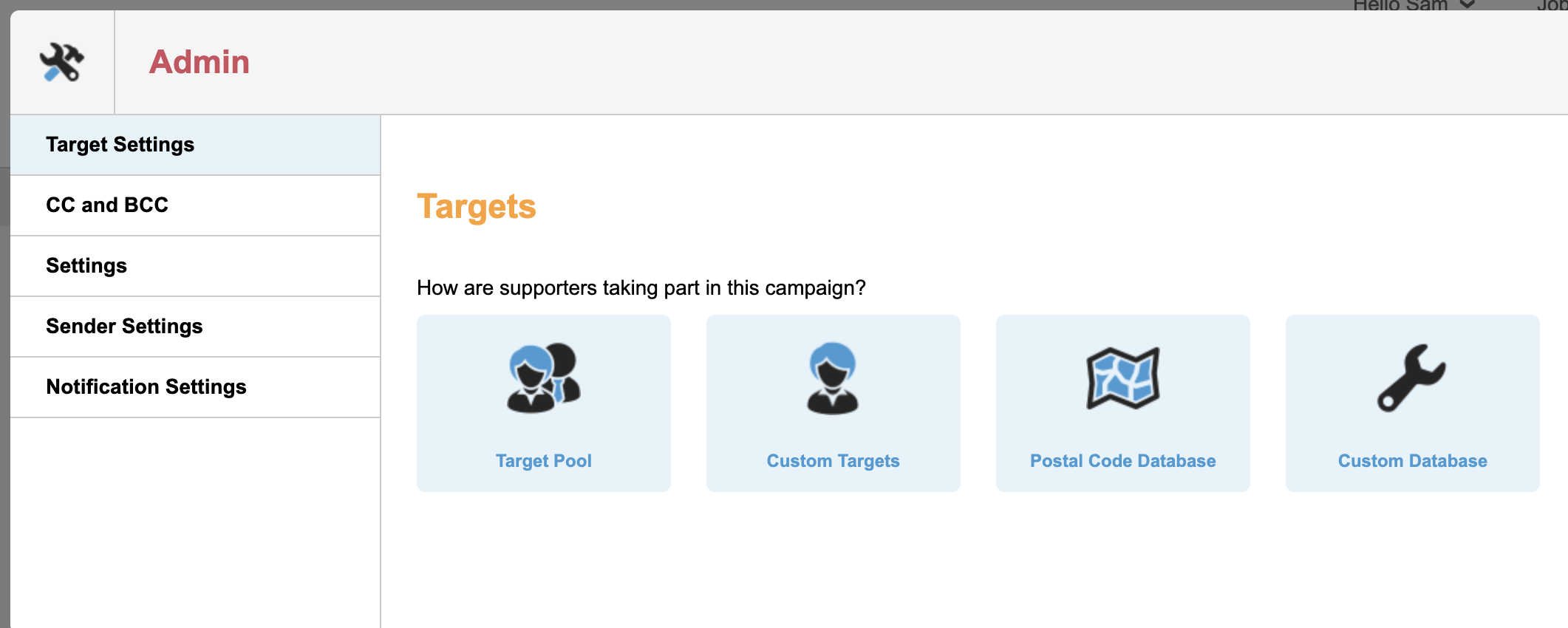
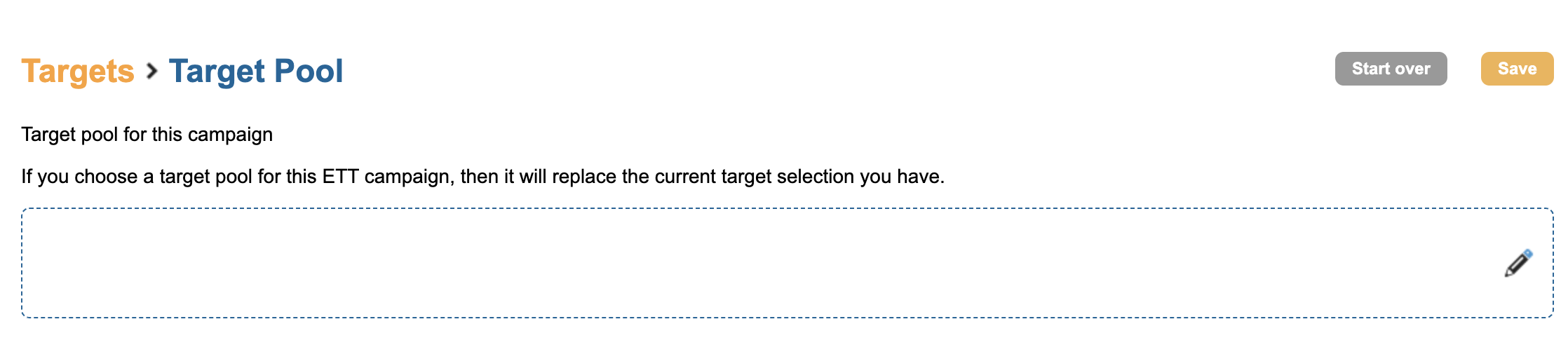
When setting up an Email to Target page, you can now select a Target Pool instead of individual databases.
|
|
Selecting a target pool will replace any existing target selections on the page. |
|

Target Notifications: If a target in your pool is deleted from a postal database or removed from your custom targets, you will see a notification when editing the pool: "X targets will be removed from target pool due to no longer being available." These targets are automatically removed upon saving to ensure your campaigns remain up to date.
Custom Targets
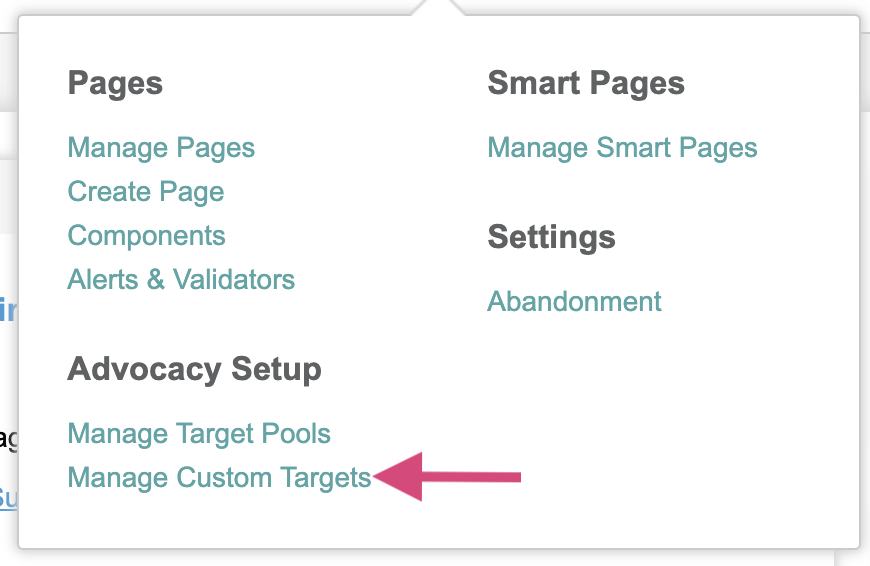
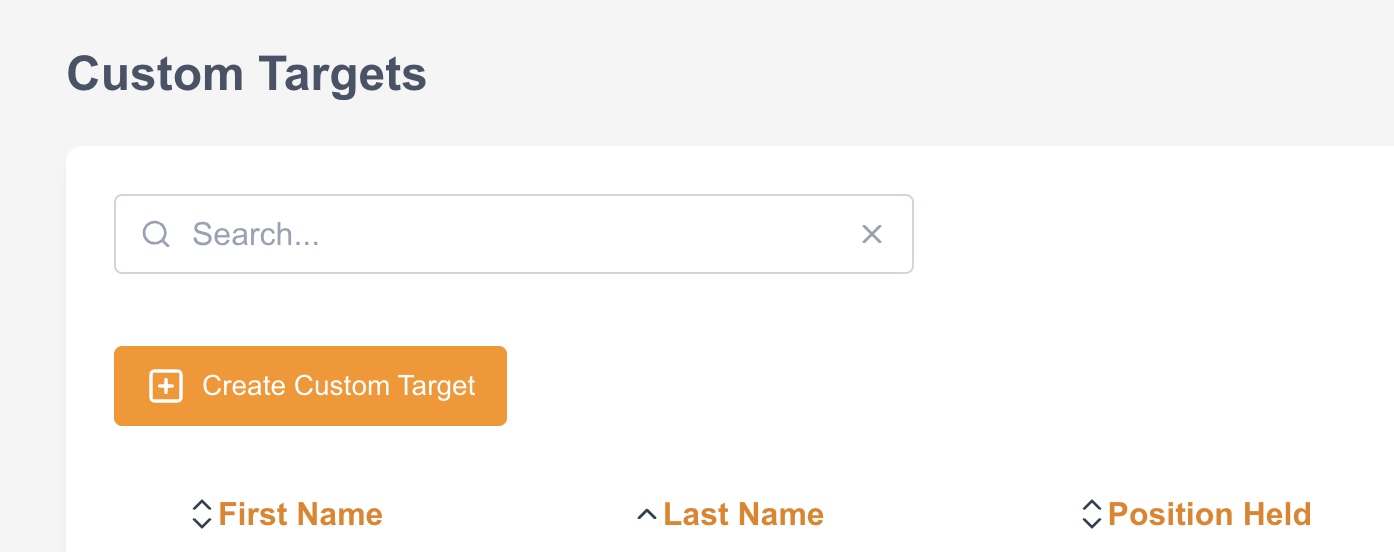
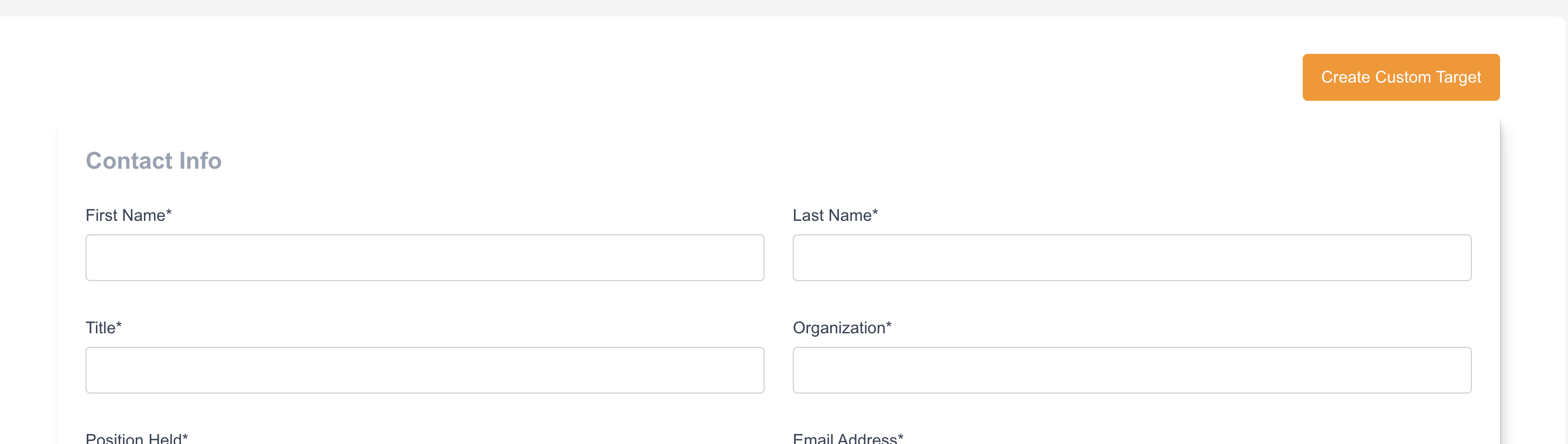
The Manage Custom Targets interface allows you to create, edit, and store individual targets that are not part of the standard databases. These targets can then be added to Target Pools for use in your Advocacy campaigns.
Creating a New Custom Target
|
|
|
|
|
|


Managing Custom Targets
The main listing page displays all custom targets. You can sort the list by First Name, Last Name, Position Held, Organization, or Email Address.
-
Edit: Select the target name or the edit icon to update contact details.
-
Delete: Select the X or delete icon to remove a target.
Deleting a custom target will automatically remove it from any Target Pools where it is currently included.