Abandonment is when a supporter starts filling out a page but leaves before completing their donation. Engaging Networks allows you to reduce abandonment and recover some of these donations by sending a reminder email to supporters who did not complete their donation.
The abandonment email will trigger on Live pages for supporters who:
-
Clicked through from an Engaging Networks broadcast email, interacted with a donation page (e.g. selected a donation amount), but did not complete a donation
-
Submitted their email address on at least one page of a multistep donation form, but without completing the donation
-
Interacted with a donation page and abandoned it after being redirected from another chained Engaging Networks page
-
Submitted a donation page but their donation was rejected
Settings
Users can configure account wide abandonment settings under Pages > Abandonment. Once set, these will automatically apply to every page with abandonment enabled regardless of the page level settings.
|
Setting |
Description |
||||
|---|---|---|---|---|---|
|
Enable/ Disable Reminders |
Enables or disables abandonment reminder email on all fundraising pages. |
||||
|
Exclusion & Suppression Rules In addition to the exclusion and suppress settings, supporters will be automatically excluded if:
|
|||||
|
Unsubscribed Donors |
|
||||
|
Recent Donors |
Exclude supporter who has recently donated after a configurable number of days. |
||||
|
Active Recurring Donors (Sustainers) |
Exclude donors who are already giving on a recurring schedule via Engaging Networks. |
||||
|
Major Donor Segment Exclusion |
Exclude supporters flagged as major donors in the Major Donor Predefined Segment |
||||
|
Internal Domain Exclusion |
Exclude email domains so staff testing forms do not trigger abandonment alerts. |
||||
Page Builder Pages
Abandonment reminders are supported on Donation, Premium Donation, Symbolic Giving, Membership, and Peer-to-Peer Checkout and Donation pages.
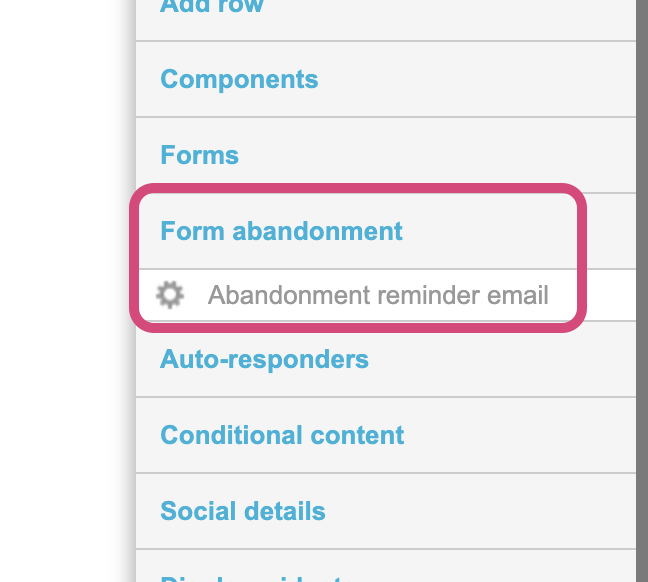
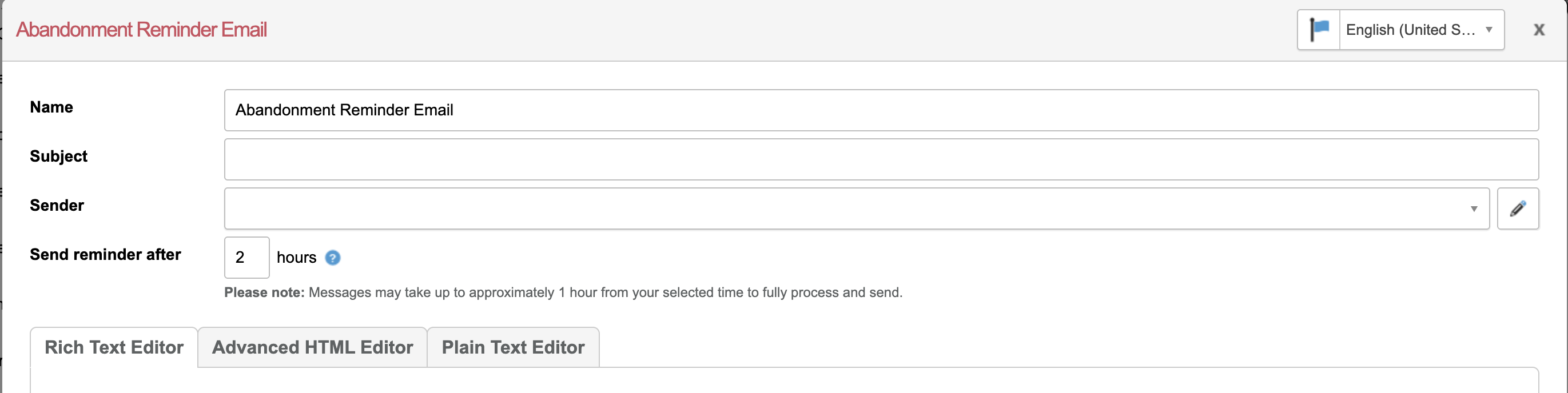
Setting up abandonment reminder email
|
|
||||||||||||
|
|
||||||||||||
|
|



Reporting
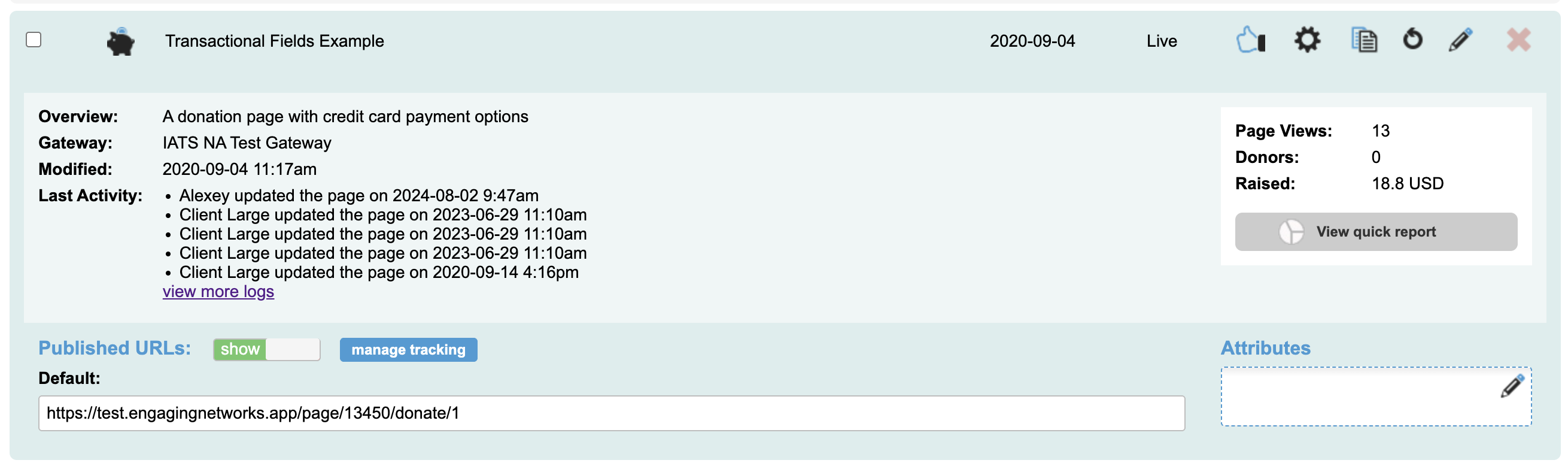
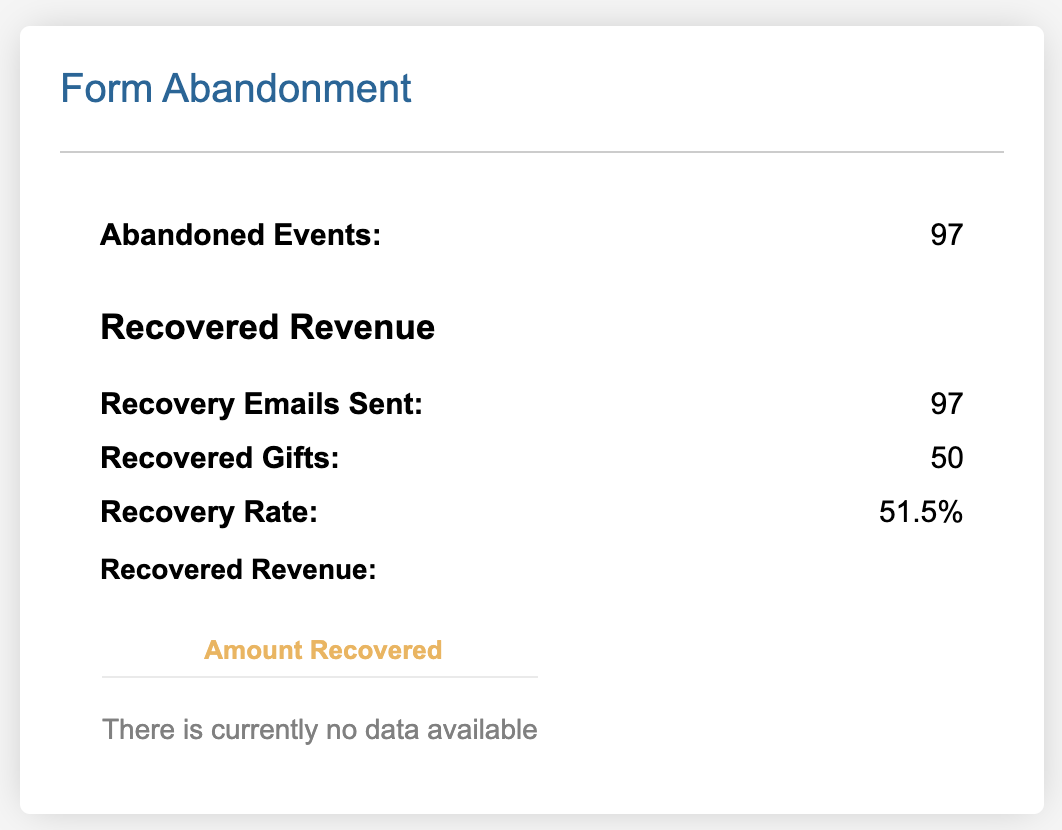
There are reporting metrics available in the page Quick Reports. Additionally, there is a Donation Abandoned filter available in Segments.
Donations made from an abandonment reminder will include a tracking parameter of en_session
|
|
|
|

|
Metric |
Description |
|---|---|
|
Abandoned Events |
Number of sessions where a supporter started the form but did not complete it |
|
Recovery Emails Sent |
Number of reminder emails sent to supporters who abandoned the form |
|
Recovered Gifts |
Number of donations completed via a recovery email link |
|
Recovery Rate |
Percentage of recovery emails that resulted in a completed donation |
|
Recovered Revenue |
Total value recovered from donations completed through recovery email links, including both single and recurring transactions |
Smart Pages
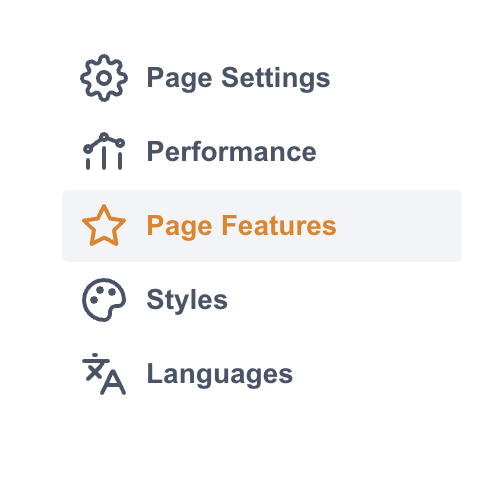
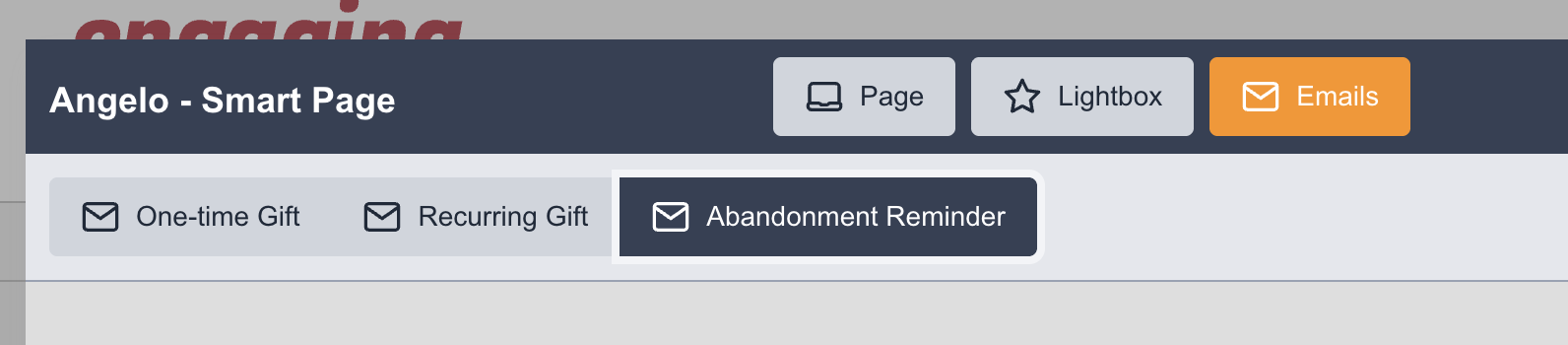
Setting up abandonment reminder email
|
|
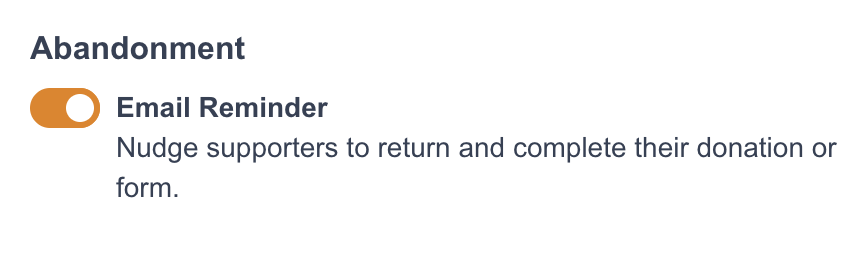
This will make the reminder email available to edit |
|
|
|
|
|