
To maintain compliance with regional privacy and data protection regulations which require explicit consent for tracking your supporters' opens and clicks in your emails, you can use the Email Tracking field. This lets you automatically suppress tracking for supporters who haven't explicitly opted in, while keeping essential functional links for security and account access. It’s important to consult with your Data Protection Officer (DPO) to determine whether your organisation is required to obtain explicit consent for email tracking. Enabling this feature will result in incomplete open and click reporting, as data will not be collected for supporters with an N consent value.
How email tracking consent works
The system checks each supporter's Email Tracking consent value when sending.
|
Consent value |
Open tracking |
Link tracking |
|---|---|---|
|
Y |
Enabled |
Enabled |
|
Blank |
Enabled |
Enabled |
|
N |
Disabled |
Disabled |
For supporters with an N value:
-
The open-tracking pixel is removed.
-
Link click-tracking is removed.
-
Open and click activity is not recorded.
Some links are required for essential account and email functions. These links continue to work regardless of the supporter's tracking consent, as these links are not treated as behavioural tracking links:
-
Supporter Hub login links
-
One-click unsubscribe links
-
Peer-to-Peer login and activation links
Enabling Account-Level Email Tracking Consent Field
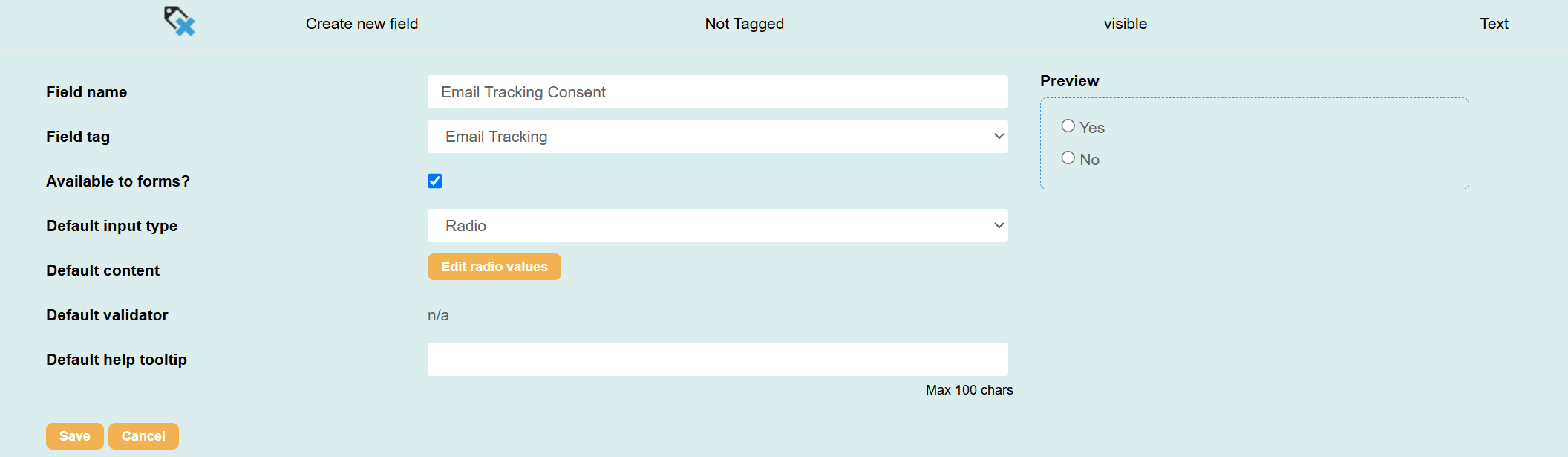
Once the field below is added, the system performs a real-time check of the Email Tracking field for each supporter when sending.
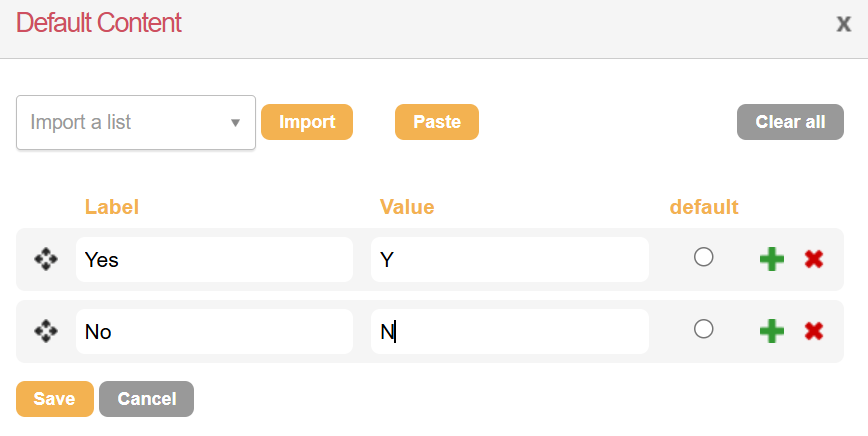
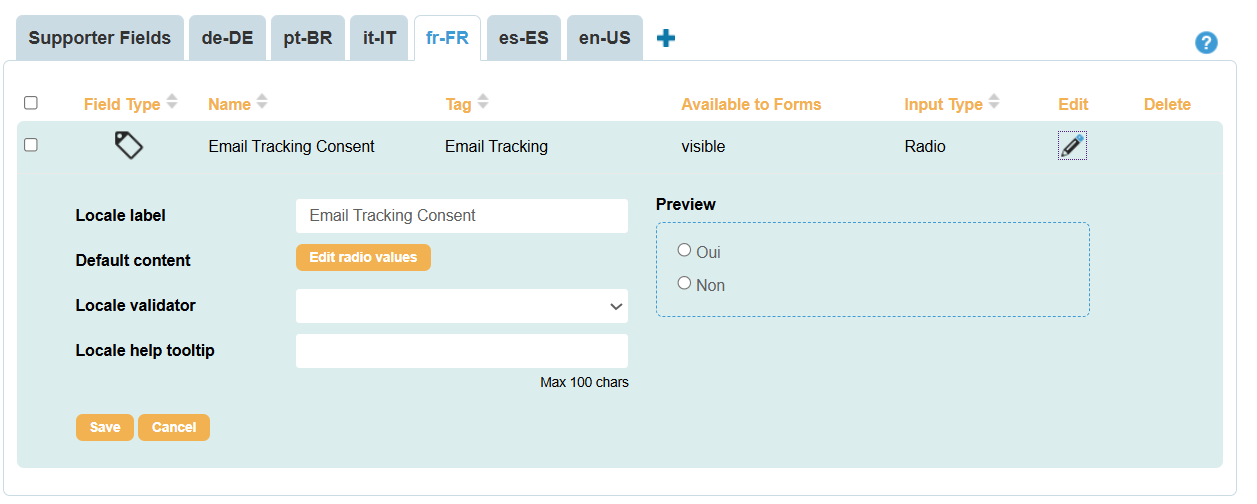
In order to fully log the consent event, we recommend creating this field as a Yes/No radio button with the consent statement in the main field label and a value of Y or N. |
|
|
|
Collecting Consent
You can add the Email Tracking field to relevant forms and pages, such as advocacy or donation pages. Use clear, specific language in your field label to explain what the supporter is consenting to.
For example:
Do you consent to the use of tracking technologies to measure email opens and clicks and improve the relevance of the communications we send you?
Make sure the consent wording is reviewed and approved by your DPO or legal teams.
Audit Trails
When supporters update their tracking preferences on an Engaging Networks page, the platform automatically records an ETC (Email Tracking Consent) transaction.
This log captures:
-
Date and timestamp of submission.
-
Form ID and page name.
-
Captured value (Y or N).
Existing Supporters
If you need to apply the email tracking consent to existing supporters, it’s advisable to export the relevant records, add a column called Email Tracking with the appropriate value to your spreadsheet, and then import the data.