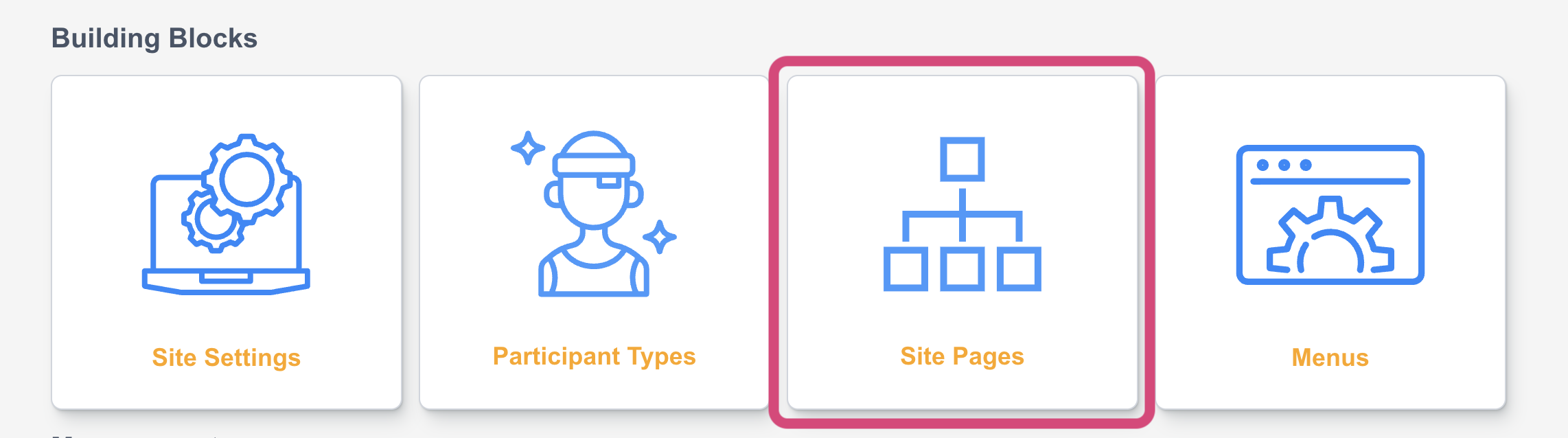
|
Default site page |
Description |
Required |
|---|---|---|
|
Home |
Main page of the site |
No |
|
About |
Page description the purpose or mission of the site |
No |
|
Page allowing supporters to register for the site. If you also included a Family/Group Registration, this is where you can also manage what information to be captured on the form. |
Yes |
|
|
Log In |
Page allowing supporters to login to their fundraiser dashboards |
Yes |
|
Search |
Page where supporters can search for existing fundraisers or teams |
No |
|
Leaderboard |
Page displaying top fundraisers |
No |
|
Dashboard supporters participating can access to do various things. |
Yes |
|
|
Public Fundraising Page |
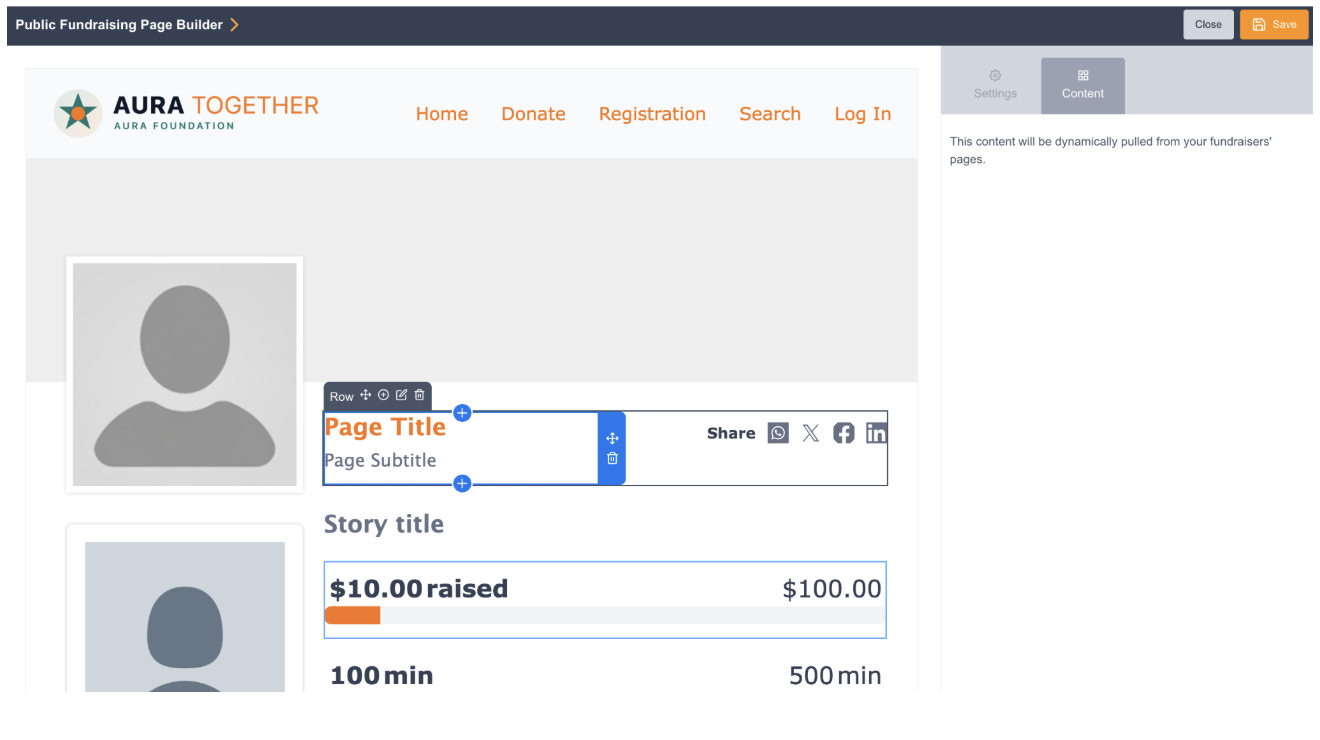
Fully customizable Fundraising Page where you can rearrange, and toggle components on the public-facing Fundraising Page. |
No |
|
Page where site donation page can be selected and configured |
Yes |
|
|
Page where site checkout page can be selected and configured |
Yes |
Site page options

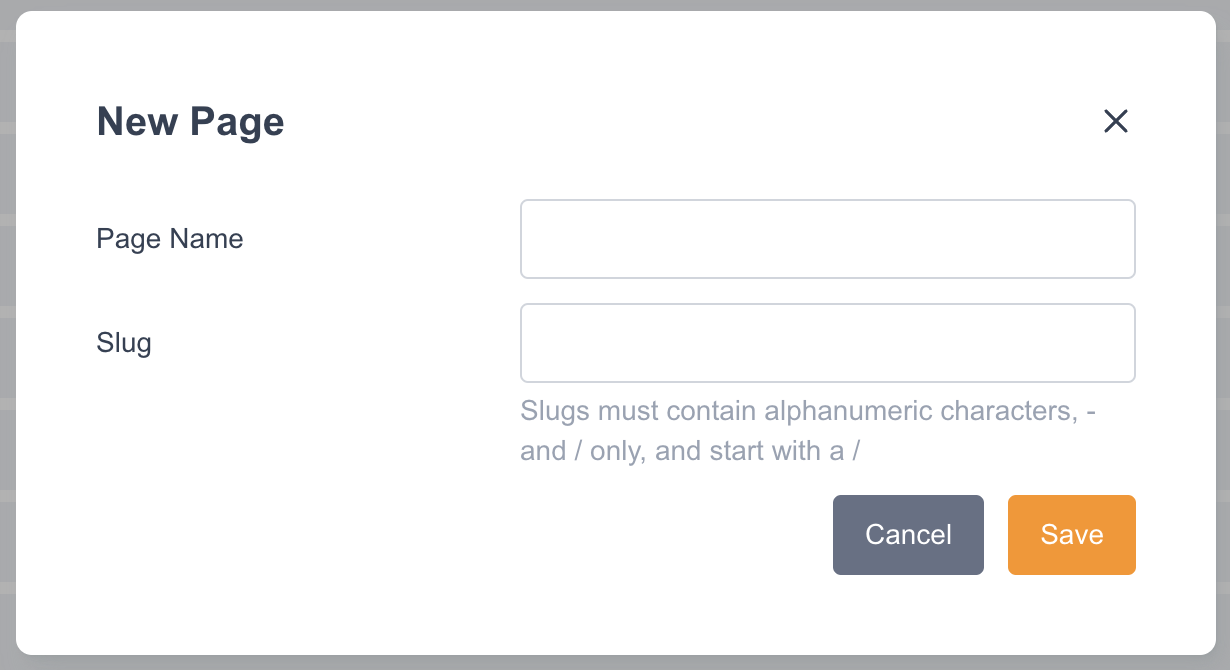
Add Page
This allows for a new page to be created and added to the site. Once selected the page name and the URL slug can be configured (example: engagingnetworks.net/p2p/site/slug).
Edit Site Menus
The site menus can be access from this area or from the main site dashboard. Details about Site Menus here.
Page options

|
Option |
Functionality |
|---|---|

|
Preview page, this will open a preview of the page as a browser tab |

|
Duplicate or copy the page |

|
Configure page name or URL slug for page or choose linked donation pages |

|
Edit page |

|
Delete page. Only available on pages that are not required. |
Editing pages
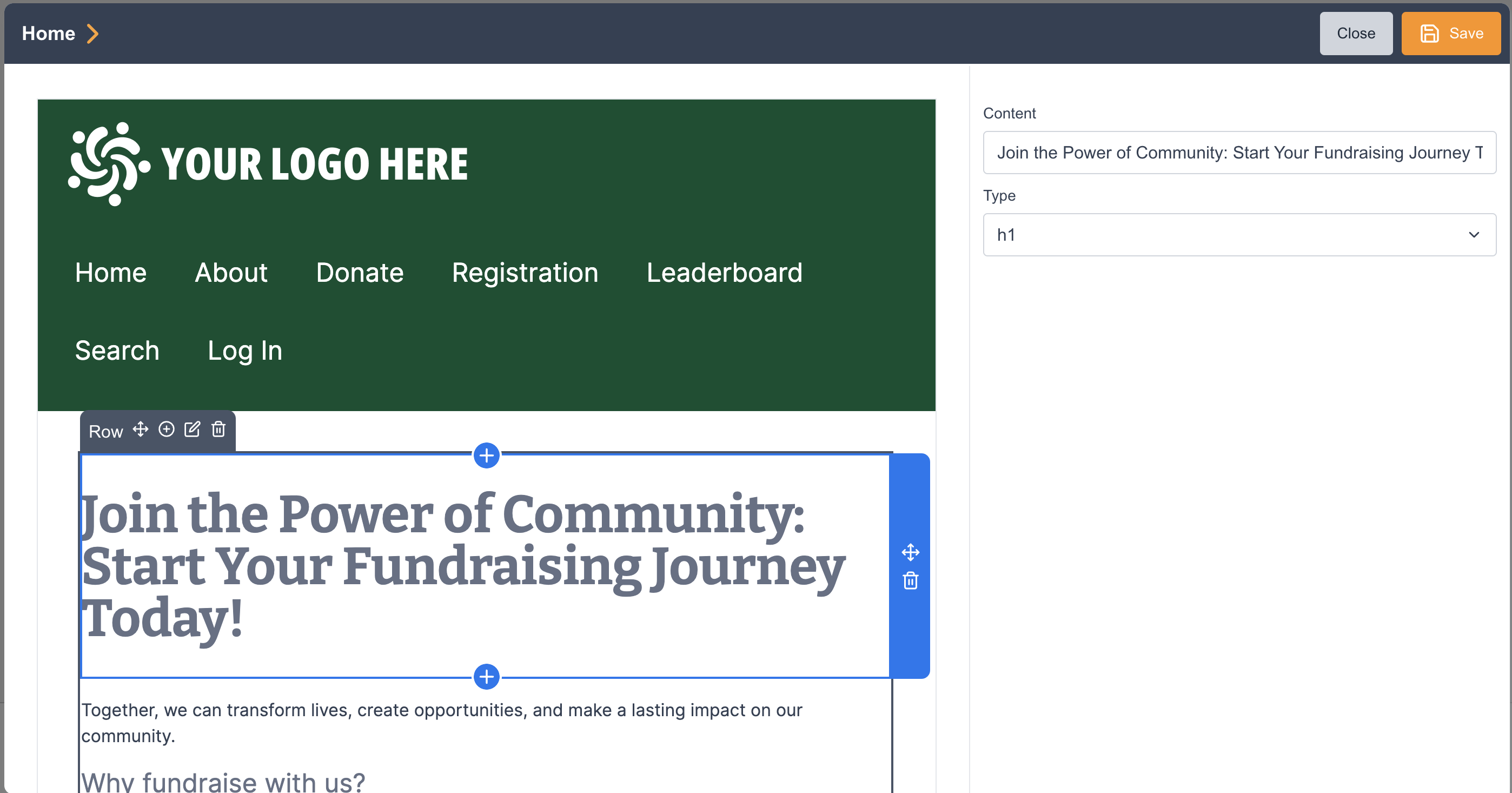
Pages have different available features based on the type of page. The Content pages of Home, About, Search, Leaderboard, and any custom pages you add are single pages that have the same available blocks and functionality.
When editing the page, click the various blocks to edit the default content on the right.
Functional pages include Registration, Login, and Fundraiser Dashboard and these have predetermined pagination displayed at the top of the page. Pages are also conditional based on the Participation Type.
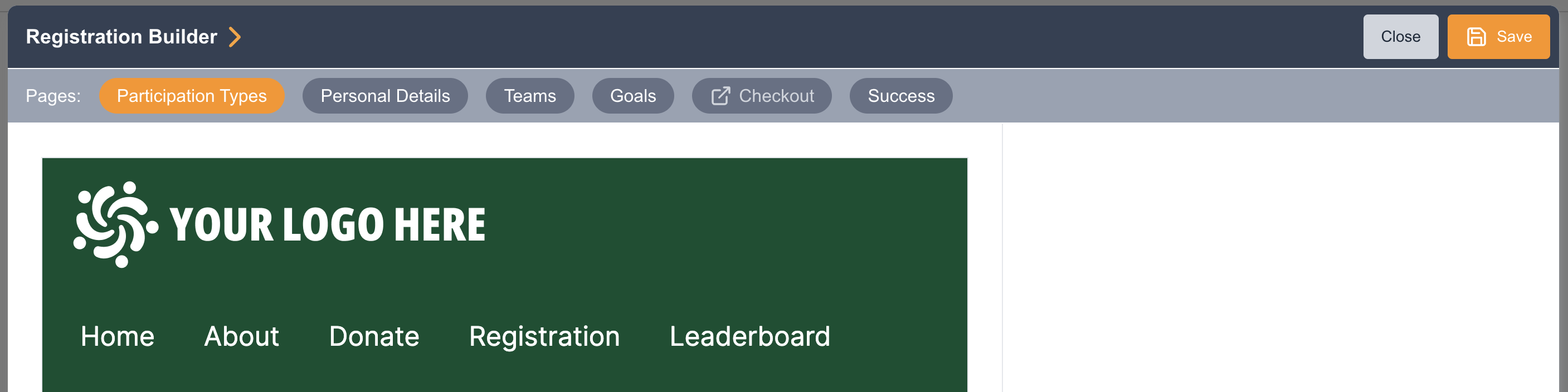
You can interact with blocks on these pages using the following controls:
|
Block Option |
Functionality |
|---|---|

|
Drag and drop block on page |

|
Delete block from page |
|
Add block to the page |
Available blocks
The available blocks can vary by the type of page.
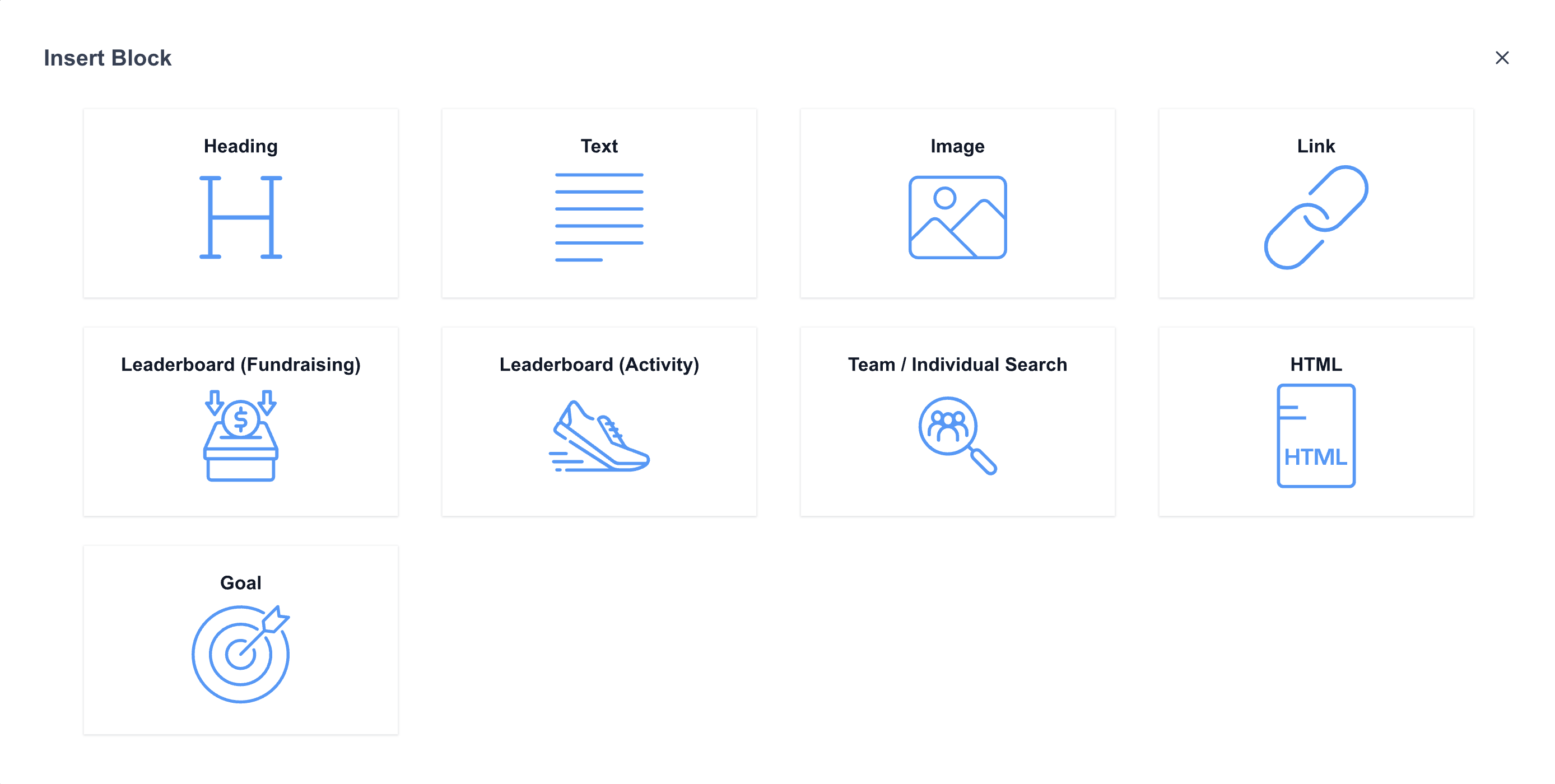
|
Block |
Description |
Pages available |
|---|---|---|
|
Heading |
Block to configure text headings (h1-h5) |
All |
|
Text |
Block to add text using a text editor |
All |
|
Image |
Block to add an image |
All |
|
HTML |
Block to add custom HTML |
All |
|
Link |
Block to add a URL linked button |
Content pages |
|
Leaderboard (Fundraising) |
Configurable widget displaying the top individuals or teams by amount raised |
Content pages, Log In |
|
Leaderboard (Activity) |
Configurable widget displaying the top individuals or teams by tracked activities |
Content pages, Log In |
|
Team/Individual Search |
Configurable widget type block to search for individuals or teams registered on the site |
Content pages, Log In |
|
Goal progress |
Configurable progress bar block |
Content pages, Log In, Registration |
|
Button |
Button progressing to the next page |
Registration, Log In, Fundraiser Dashboard |
|
Form |
Block to add and configure form fields |
Registration, Fundraiser Dashboard > My Profile |
|
Discount code |
Configurable widget type block to offer a discount or promo code |
Registration |
|
Organizational Handling |
Allow fundraisers to select from a list of pre-defined organizations. |
Registration |
|
Fundraising Settings |
Allow fundraiser to opt-in/out of notifications and having their profiles appear publicly in search and leaderboards |
Registration > Personal Details |
|
In Honor |
Block that allows fundraisers to enter the name of the person or pet who is being honored |
Registration > Personal Details |
|
Waiver |
The Waiver block is displayed to fundraisers whose participant types require a signed waiver on this site Waiver block would only show to the fundraiser if their participant type has a waiver. |
Registration, Fundraiser Dashboard > My Profile |
|
Starting Donation |
Block to encourage fundraisers to donate as part of registration by adding the Starting Donation block and configure suggested amounts |
Registration > Goals |
|
Public Team |
Allow team captain to set their team to public or private. |
Fundraiser Dashboard > My Team Page |
Modular Layout Builder for Public Fundraiser Pages
A modular, block-based page builder for Peer-to-Peer Fundraiser Pages gives administrators direct control over the design, layout, and component arrangement of public-facing participant pages.
-
Block-Based Page Builder: Customize your public fundraiser pages using a flexible drag-and-drop builder directly within Site Pages. Add, remove, and reorder content blocks to tailor page structure to your campaign's brand and storytelling needs.
-
Component Library & Visual Thumbnails: Easily insert and arrange standard fundraiser components.