The “Feature an item” block is only available for Symbolic Giving pages in the Home page section in page-builder. The block is already added when you first set up your site, but if it is accidentally removed you can add it again by going to the right-hand toolbar then to E-commerce > Feature an item block.
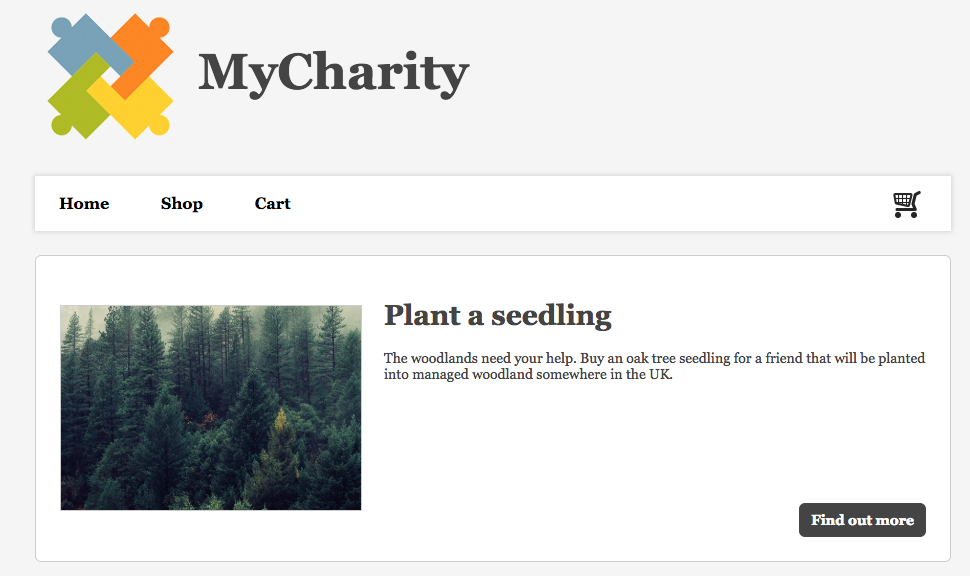
It is used to feature a particular product or category. Update the image, button label and link to tease your users into clicking for more details. A similar block is the featured products list block.
Editing the block in page-builder
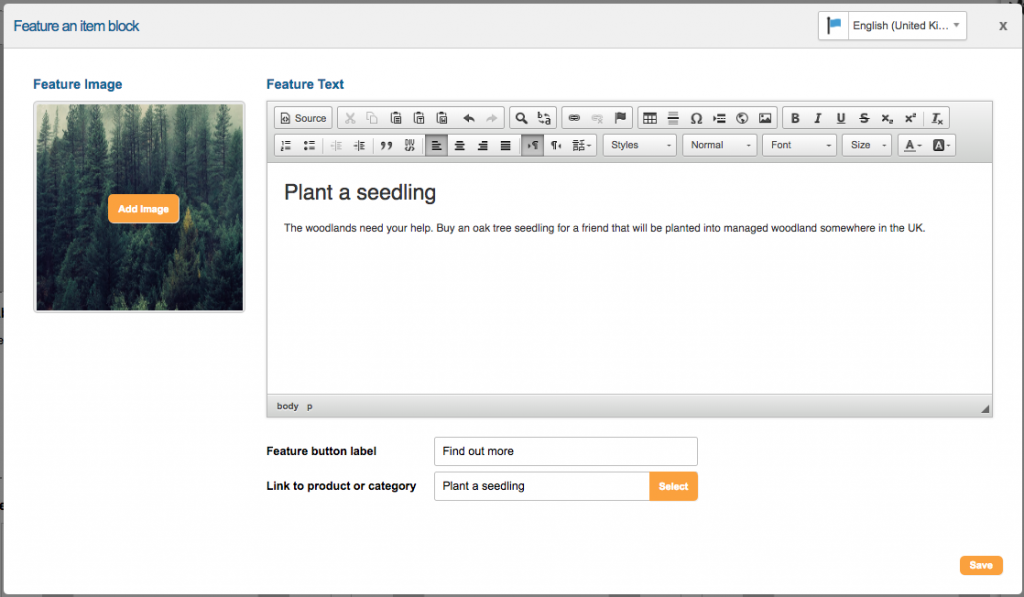
When you edit the block in page-builder, you are able to add a featured image and text. You need to link it to a specific product, or category of product, and add text for the button.
Example block in live
How it works
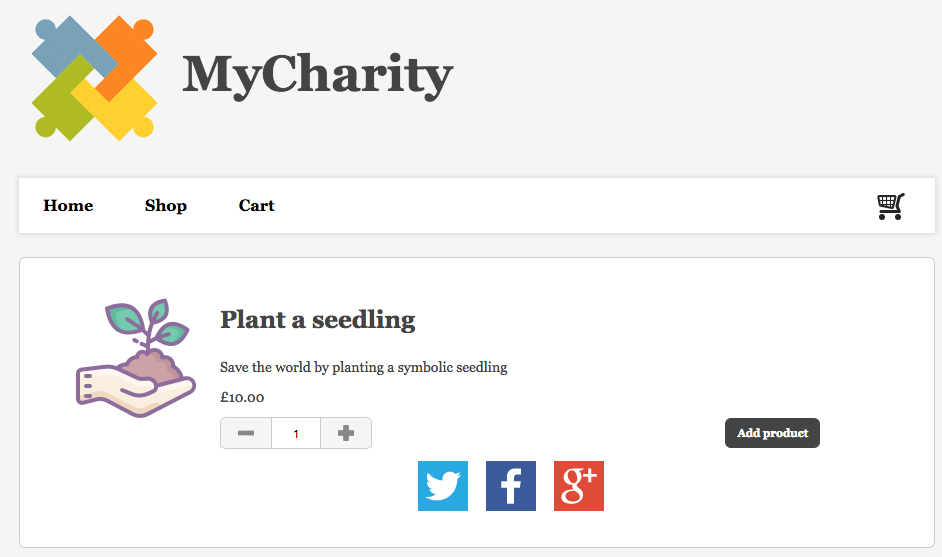
The button will take the supporter to the Product section of the Symbolic Giving site where they can add the item to their cart.