
The Events page type is designed to promote and sell tickets for events, providing event details and guiding supporters through the ticket purchasing process. Optional features can be enabled as needed to support specific event requirements, allowing functionality to be tailored based on the needs of each event or organization.
Waitlist
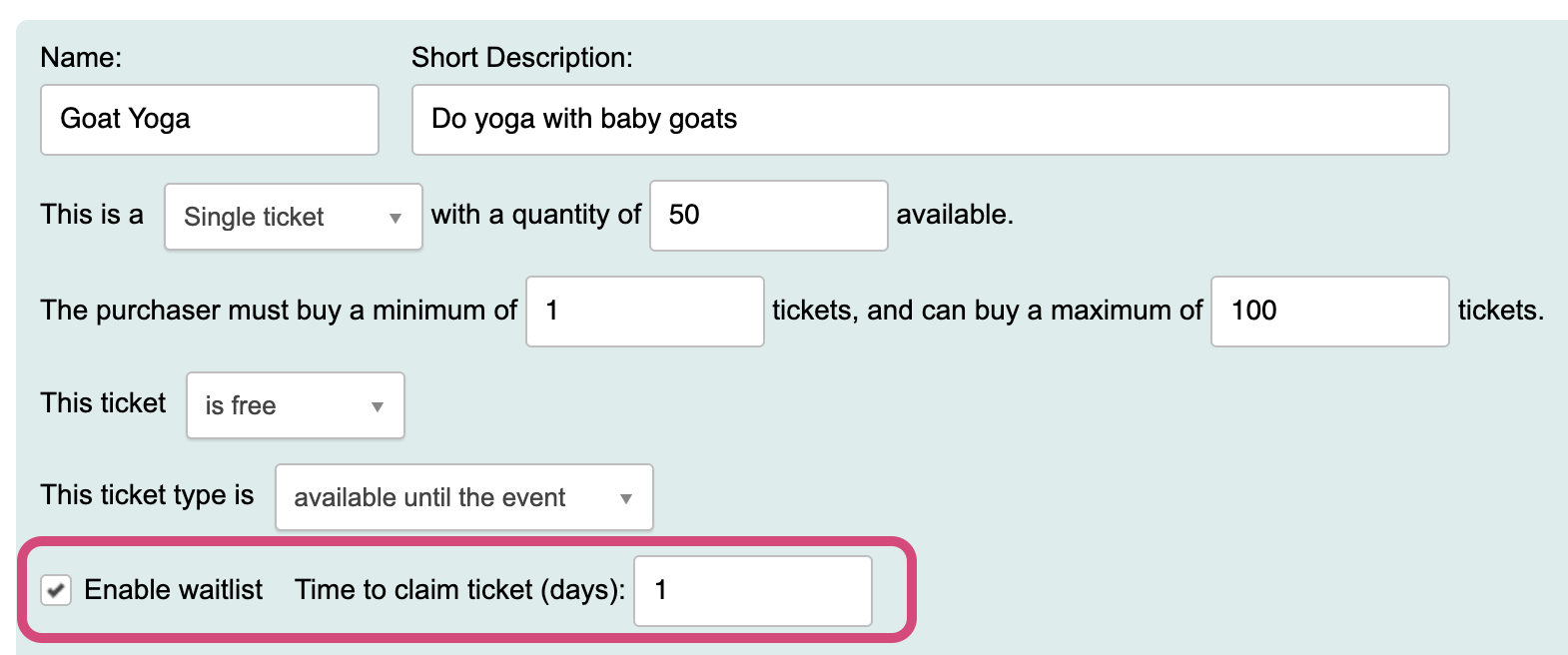
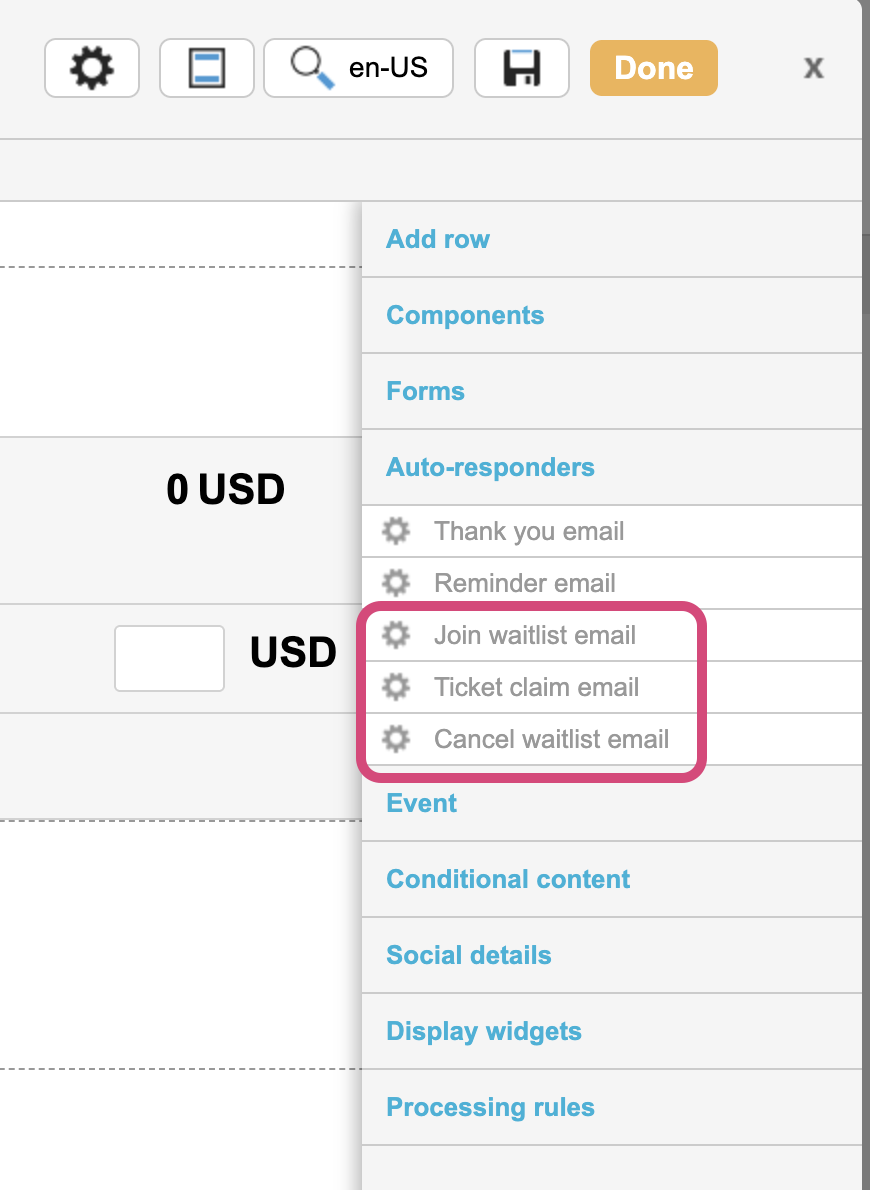
Waitlist is an optional setting that can be enabled on a ticket type to allow supporters to sign up for waitlist should the ticket type sell out (maximum quantity be met). If more tickets become available, supporters on the waitlist will be sent an autoresponder offering them the available ticket to claim.
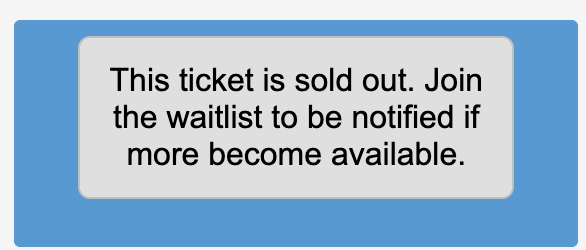
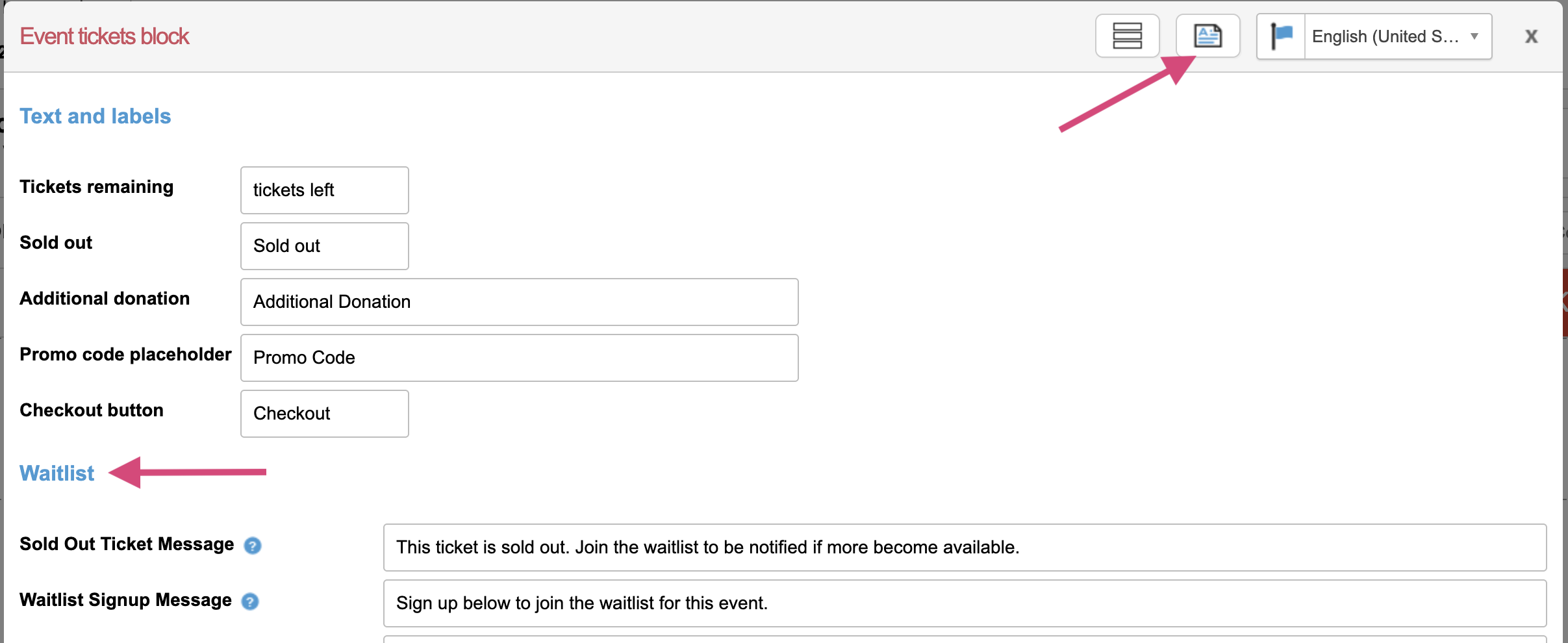
After the ticket quantity has been met, rather than selecting the number of tickets to purchase, supporters can click a labeled button to join the waitlist.
Setting up and managing waitlist
|
|
||||||
|
|
||||||
|
|
||||||
|
|
||||||
|
|
||||||
|
|



Recurring Events
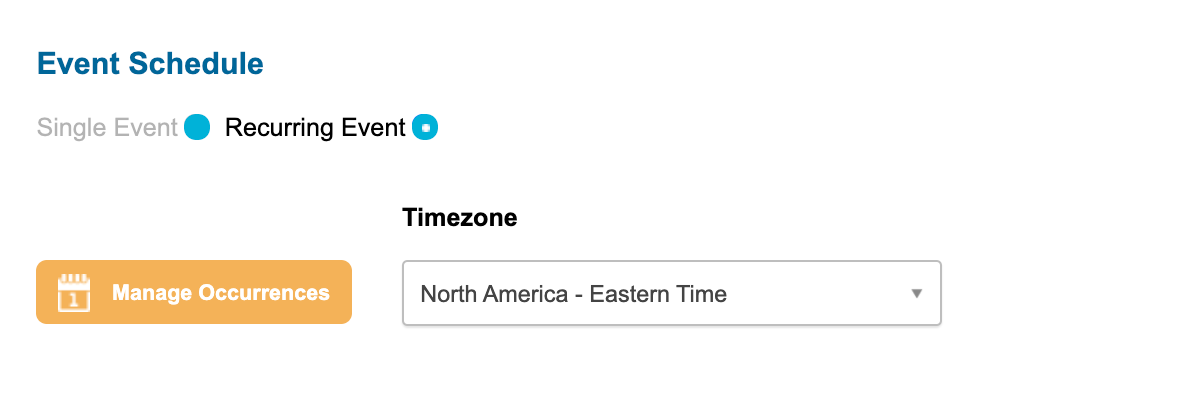
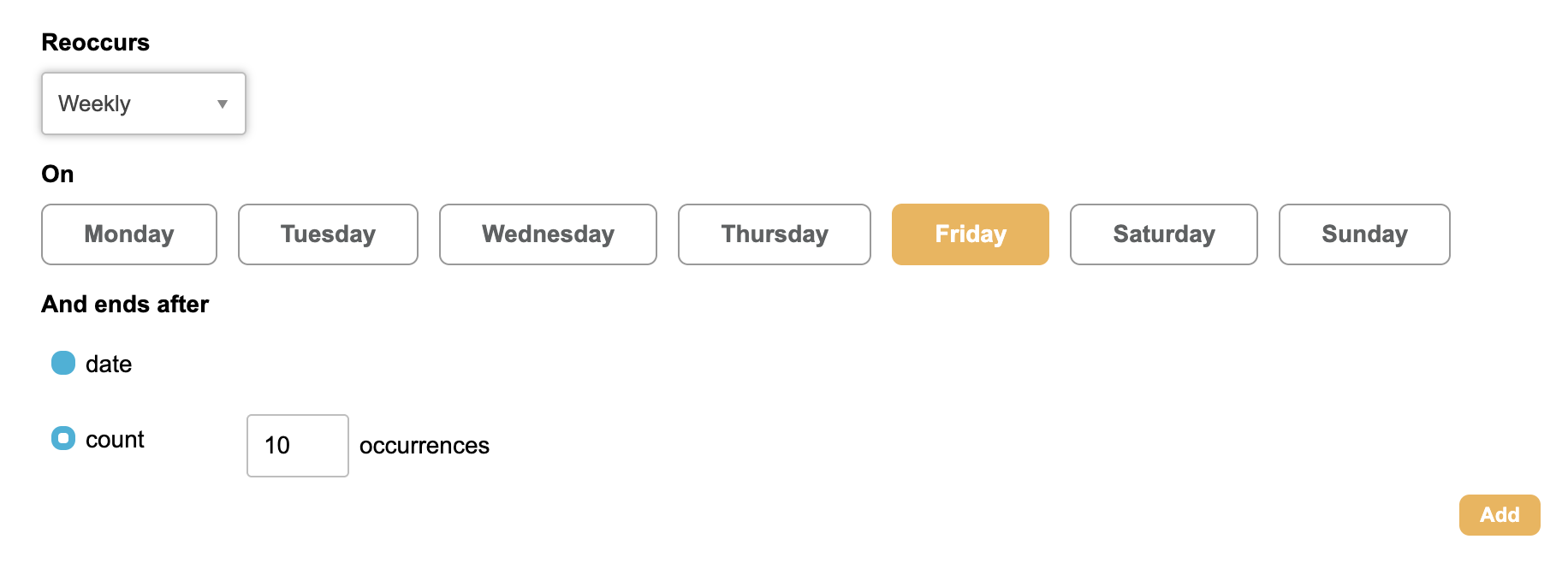
A recurring event provides a place to manage and track events that happen on a regular schedule, such as weekly meetings, monthly workshops, or annual conferences. Instead of creating a new event each time, Users can define a recurrence pattern and make changes that apply to future occurrences when appropriate.
Setting up Recurring Events
|
|
|
|
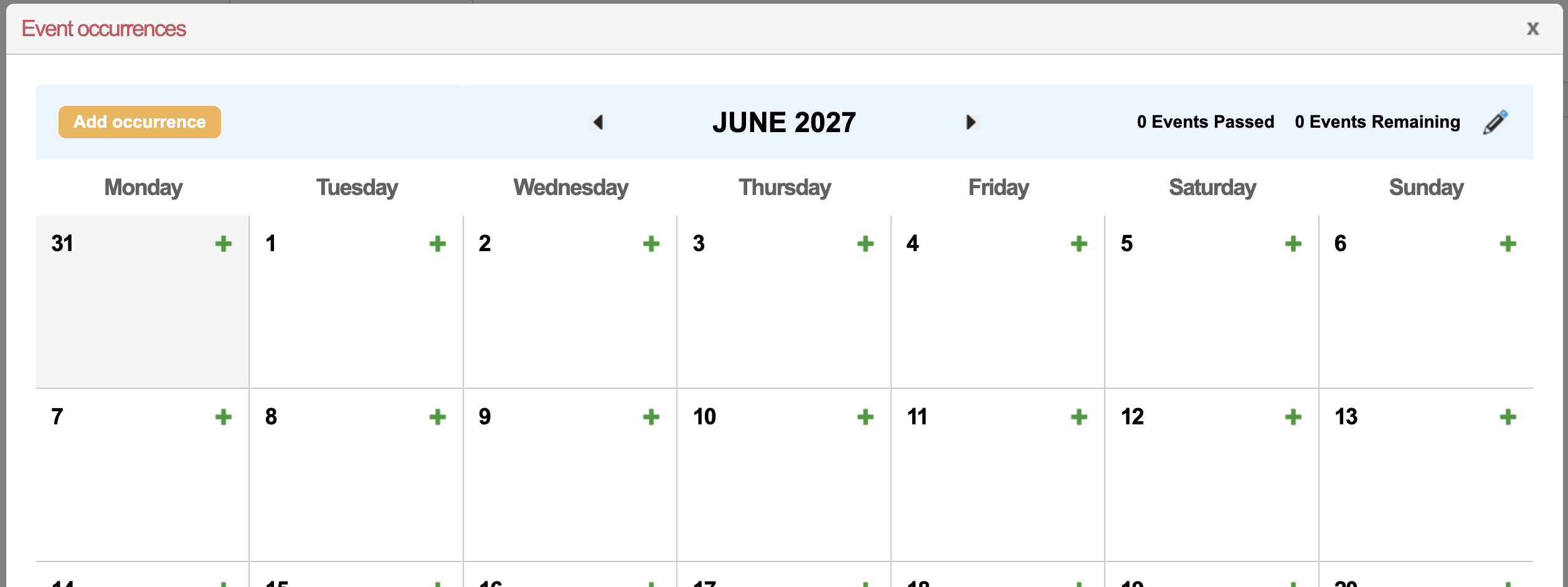
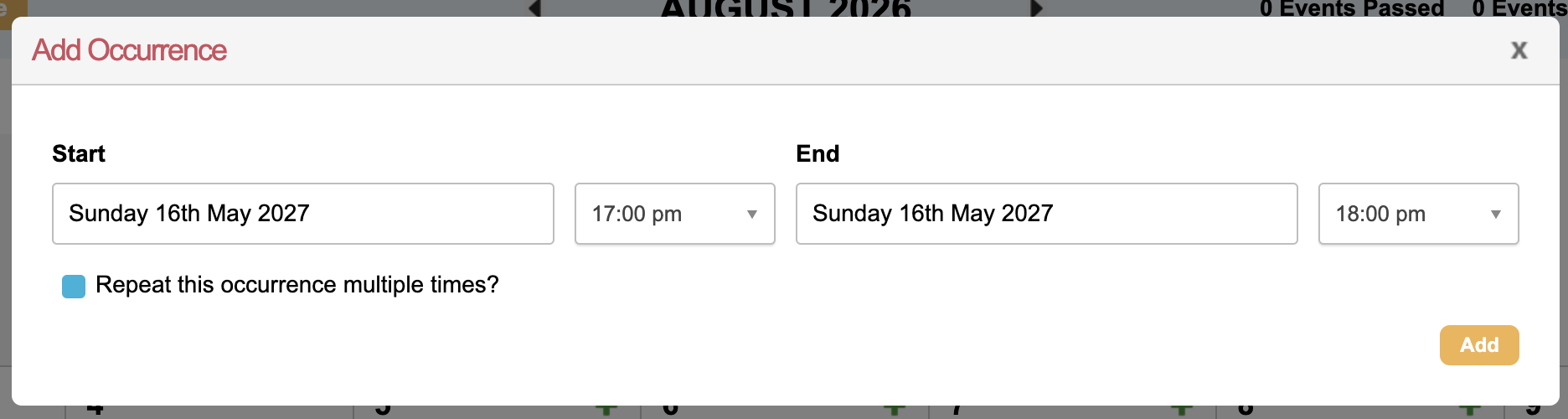
For events that occur at irregular intervals or at a cadence other than weekly or monthly, you can follow steps 1-4 again to add additional occurrences
|
|
|
|



Managing and modifying Recurring Events
|
|
|
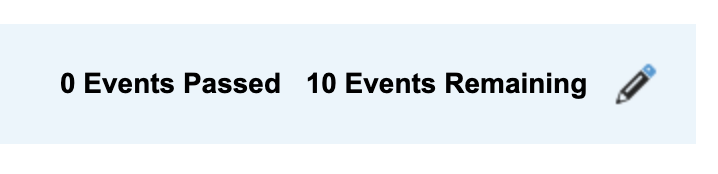
|
|
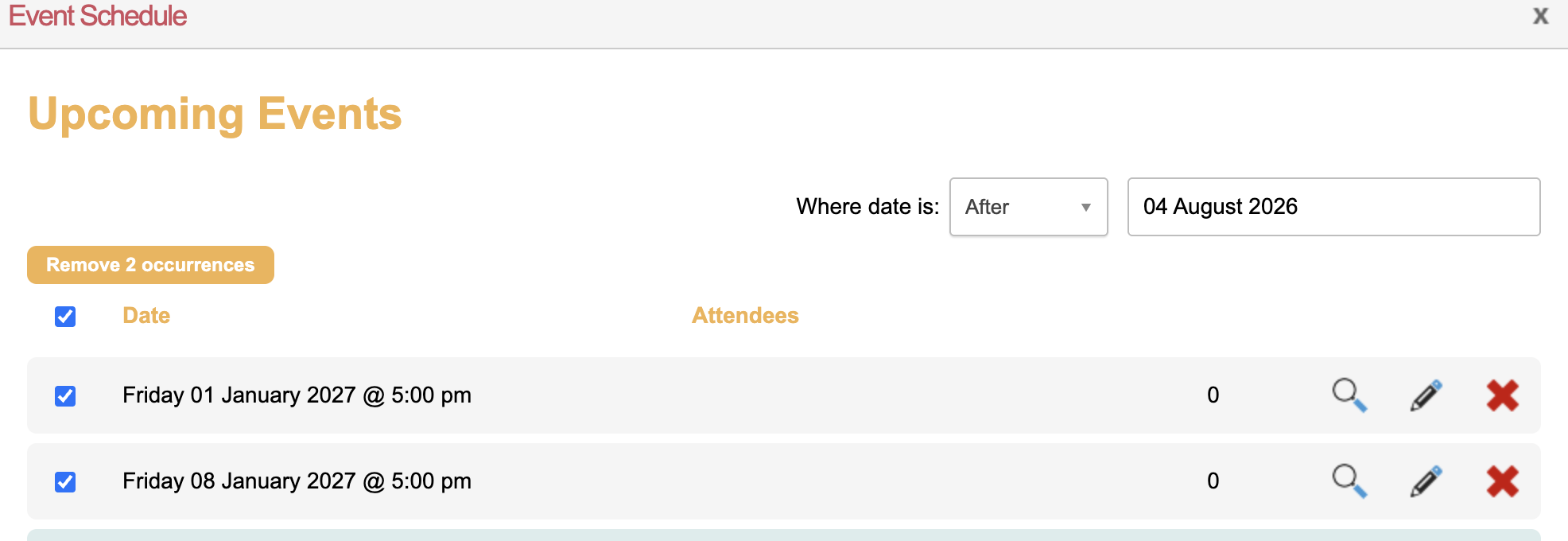
|
|
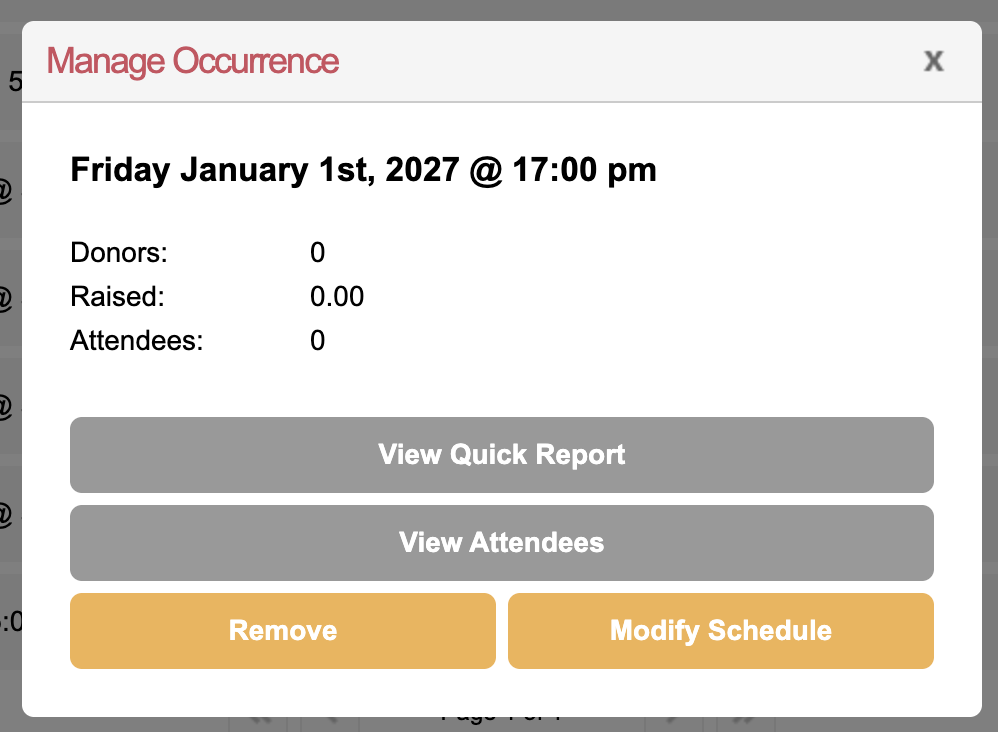
Modifying the schedule allows you to update only that occurrence or apply the change to all subsequent 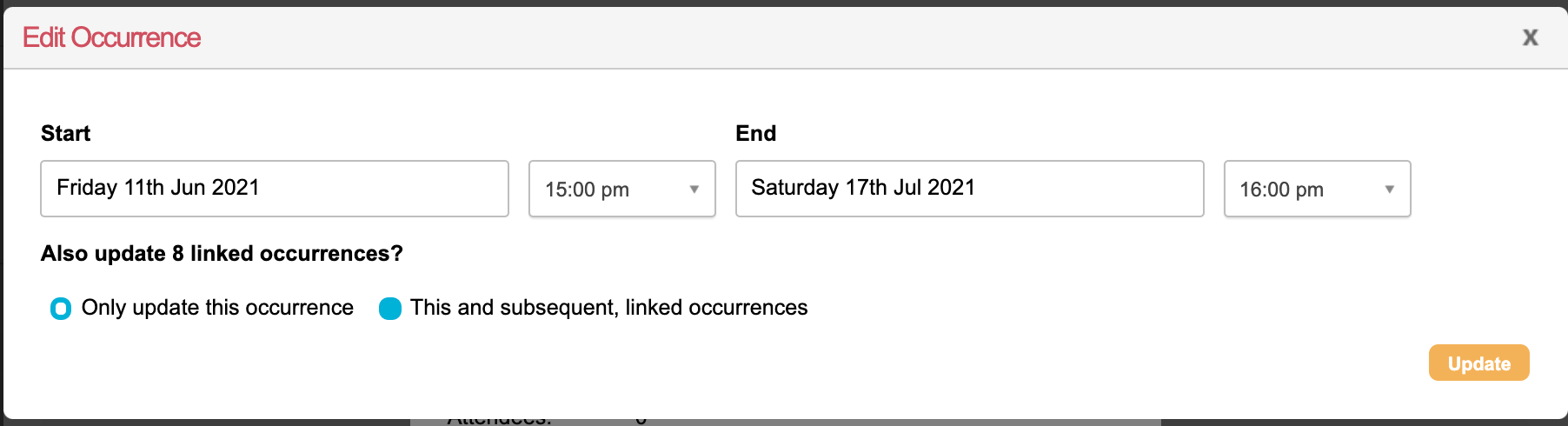
|
